Welcome to today's blurb!
NOW HANG ON, READ THIS FIRST.
This particular blurb post has a LOT of video media, so give it a minute to load. Thank you!
The banner you see right now was originally scheduled for the blurb before that large period of inactivity I had!
Previously, this banner actually a little snippet on the right side mentioning a schedule change, just about when things got pretty bad at work. On top of that, I had planned to make the frog more of a central theme in that blurb. Funnily enough, with this particular banner, this was my first time getting back on FireAlpaca for drawing programs. Nowadays, I mainly use Drawpile as my go to for anything sketch related. I just think it's neat!
Another thing too: you'll notice a vaguely Reddit-like symbol in the banner! Did you know Brickadia has a subreddit? I sure noticed back in the day. I wouldn't say it's official, but I would definitely say it's at least worth checking it. It may be an echo chamber of a website, but at least there's some cool things on Reddit. Check the subreddit through this link: Free Neckbeard Here!
Also, yes. If you must ask, the guy in the banner is the average Redditor. Really shouldn't even be something for me to clarify. Maybe you, the reader, can be like him someday!
For this blurb, I'm taking a look at some of the more cool, awesome, and radical builds made by the community! That means for most of the time I was searching, I looked a lot like that guy in the banner! The difference, of course, being that I had good hygiene. Mostly.
Anyways, for this speculation column, we'll be taking a look at the recently revealed changes for the Resizer tool, plus two new looks at items that may be coming to Brickadia!
With all that out of the way, let's take a look at what the community has been up to:
First and foremost, I wanted to showcase this very specific build! As of this writing, this is the most impressive collaborative effort I've seen so far for a project that is clearly very high-effort. There's a lot of people to credit, but I'll do my best. These credits can also be found in the following video. Enjoy!:
Credit: TitaTitanium, Moonkey, Benky, soygrl, Vix, Hayzo, jan Sipiki, OrieDargon, and Thingie.
It's only natural that after such a heavy hitter video that we get a second swinger! An insanely awesome build that makes use of not only complex logic, but synth noises as well to allow for custom music making in-game. Did you know this guy also has a Youtube channel? I would be remiss not to mention it as a shoutout, so take a look here: BrickVista Youtube Channel. Take a listen to the video!:
Credit: TonicThunder
This is probably my FAVORITE use of bricks: recreating the coolest LEGO sets possible! Now all we need is a way to fly these suckers around:
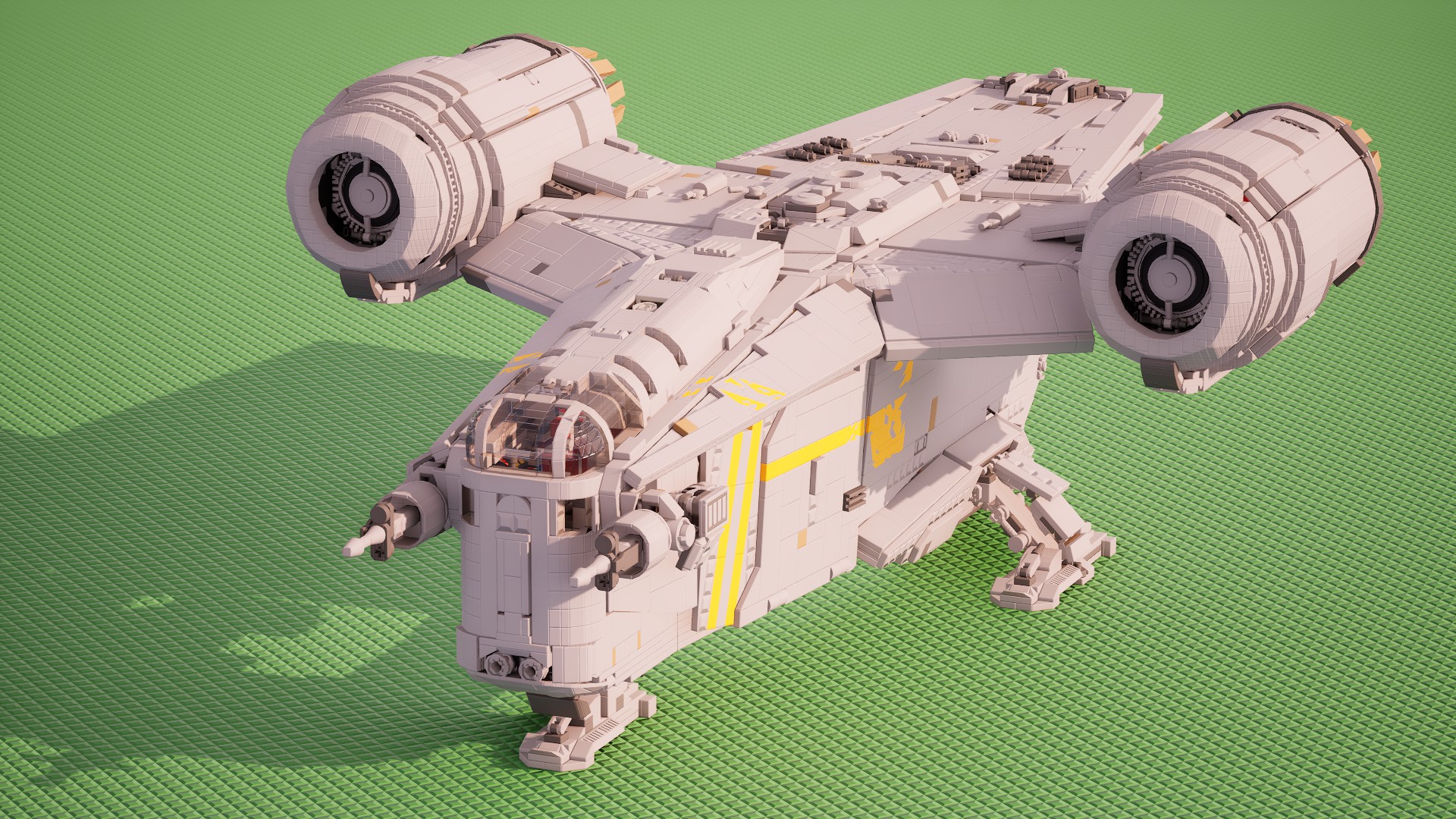
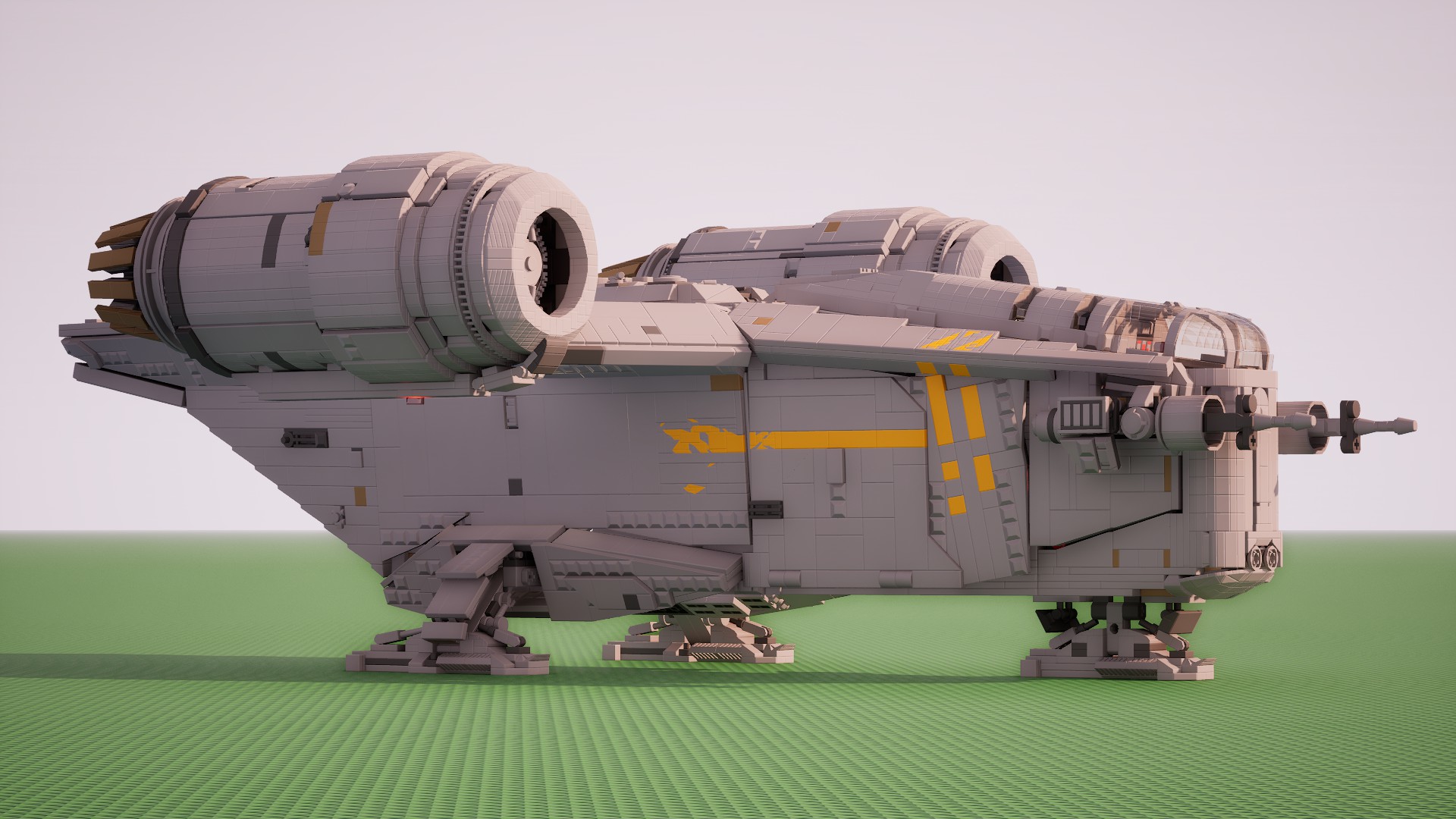
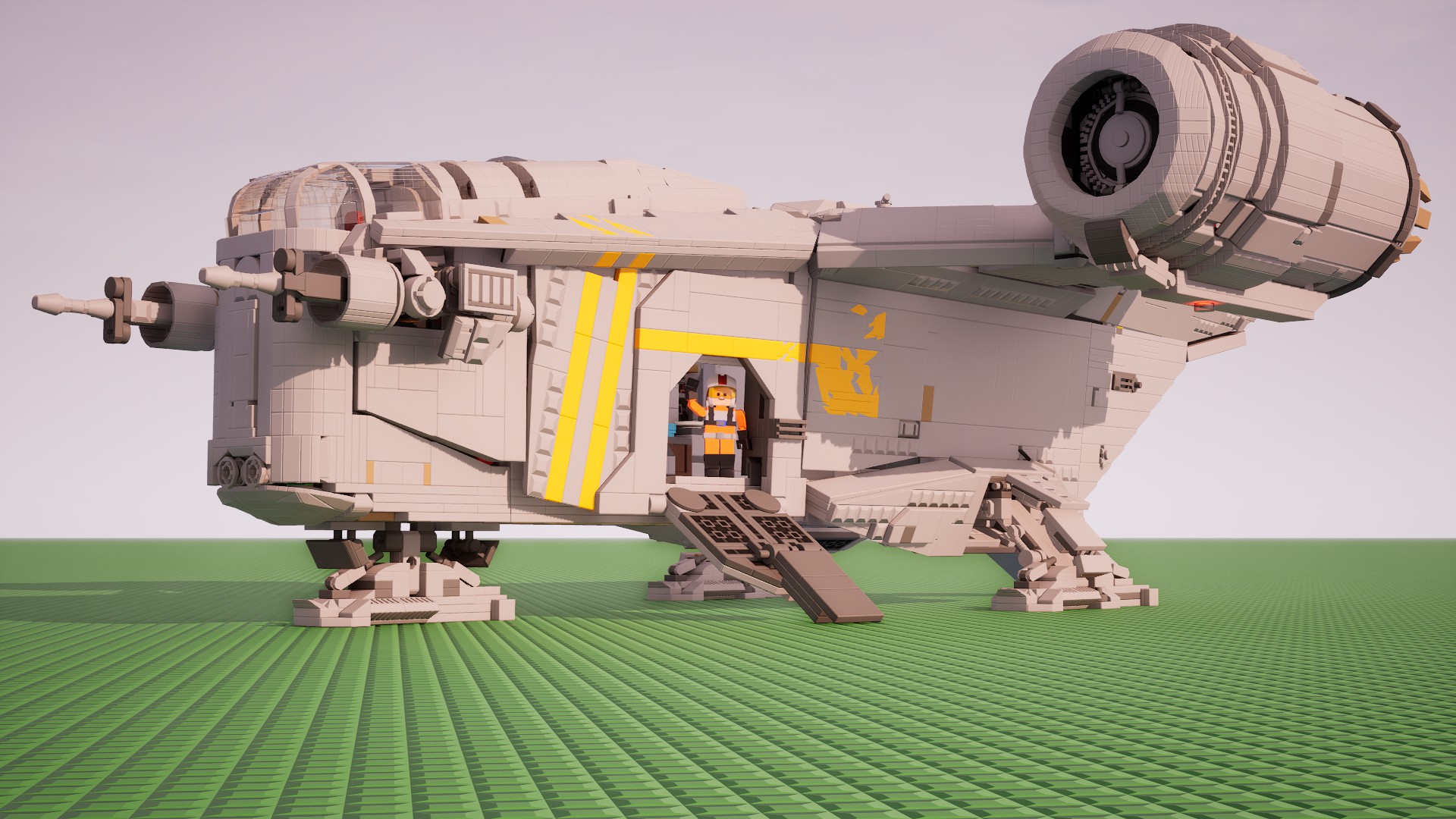
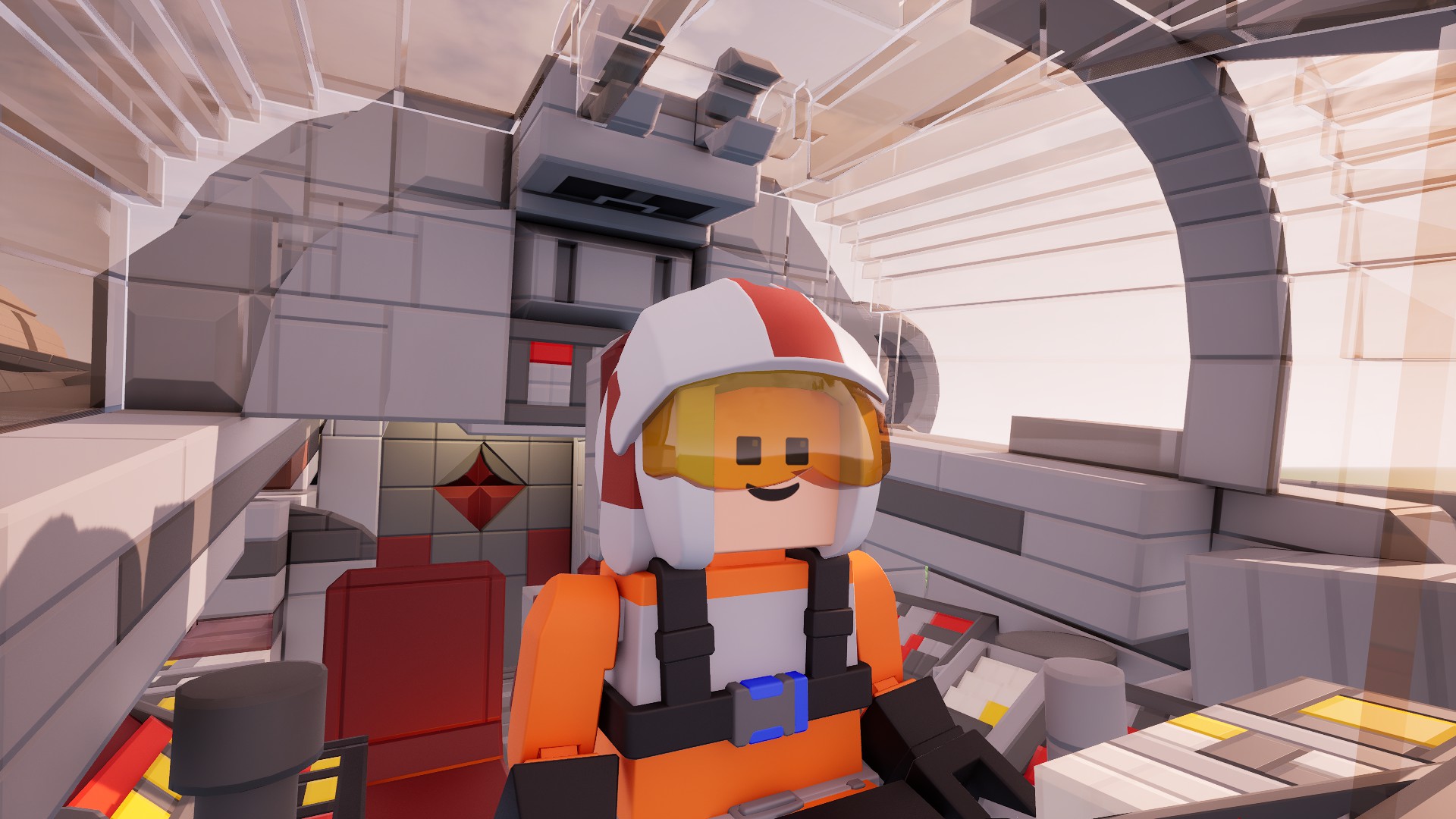
Credit: Fets
The difference with having a 3D-printed Brickadia figure is that you can't exactly spam hammer tham like you would in-game:
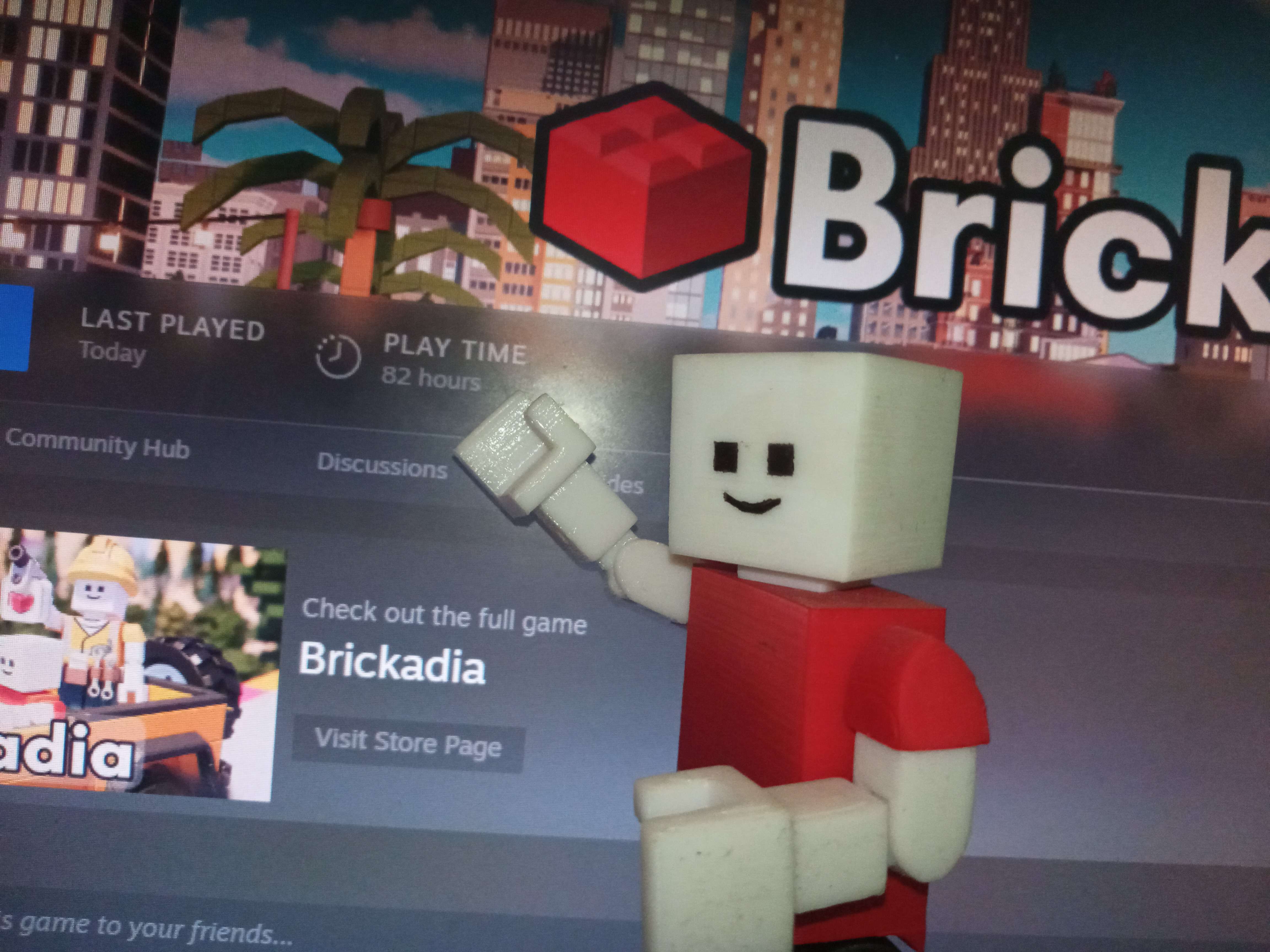
Credit: Sulfito
An extremely intricate use of round microbricks to give more nuance to the architecture of this miniature monument. I wouldn't 3D print this one though, it's probably a nightmare to step on:
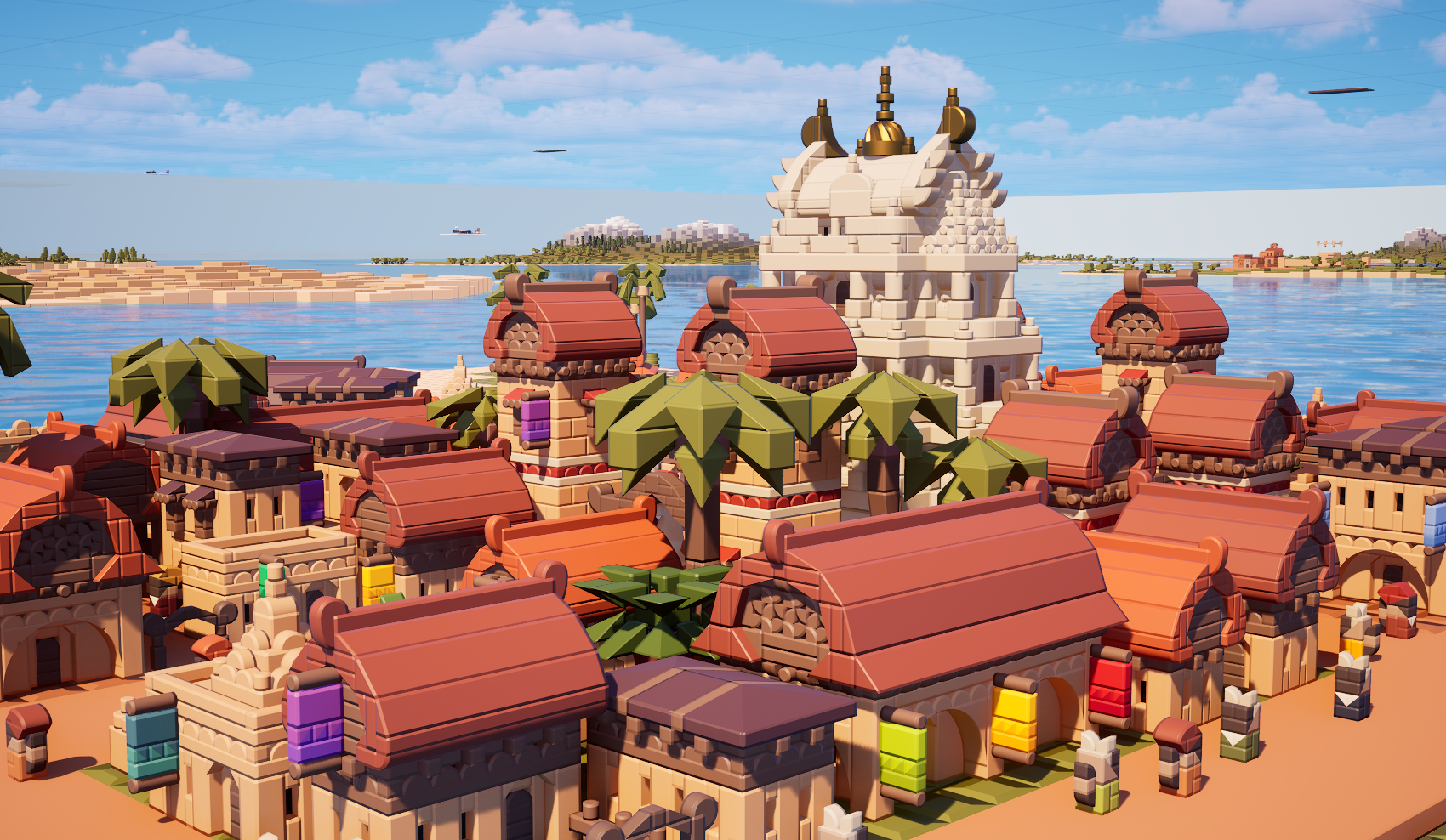
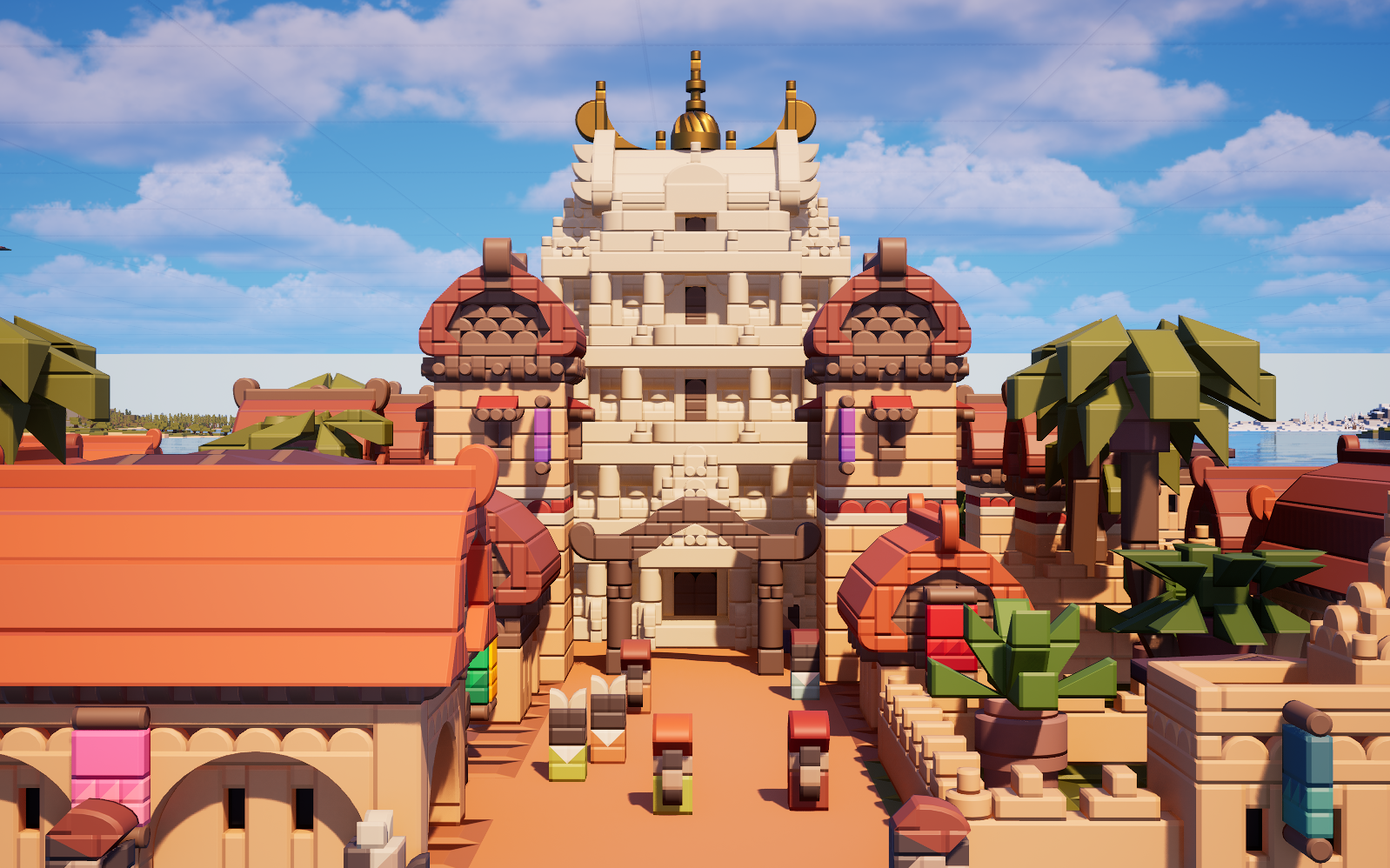

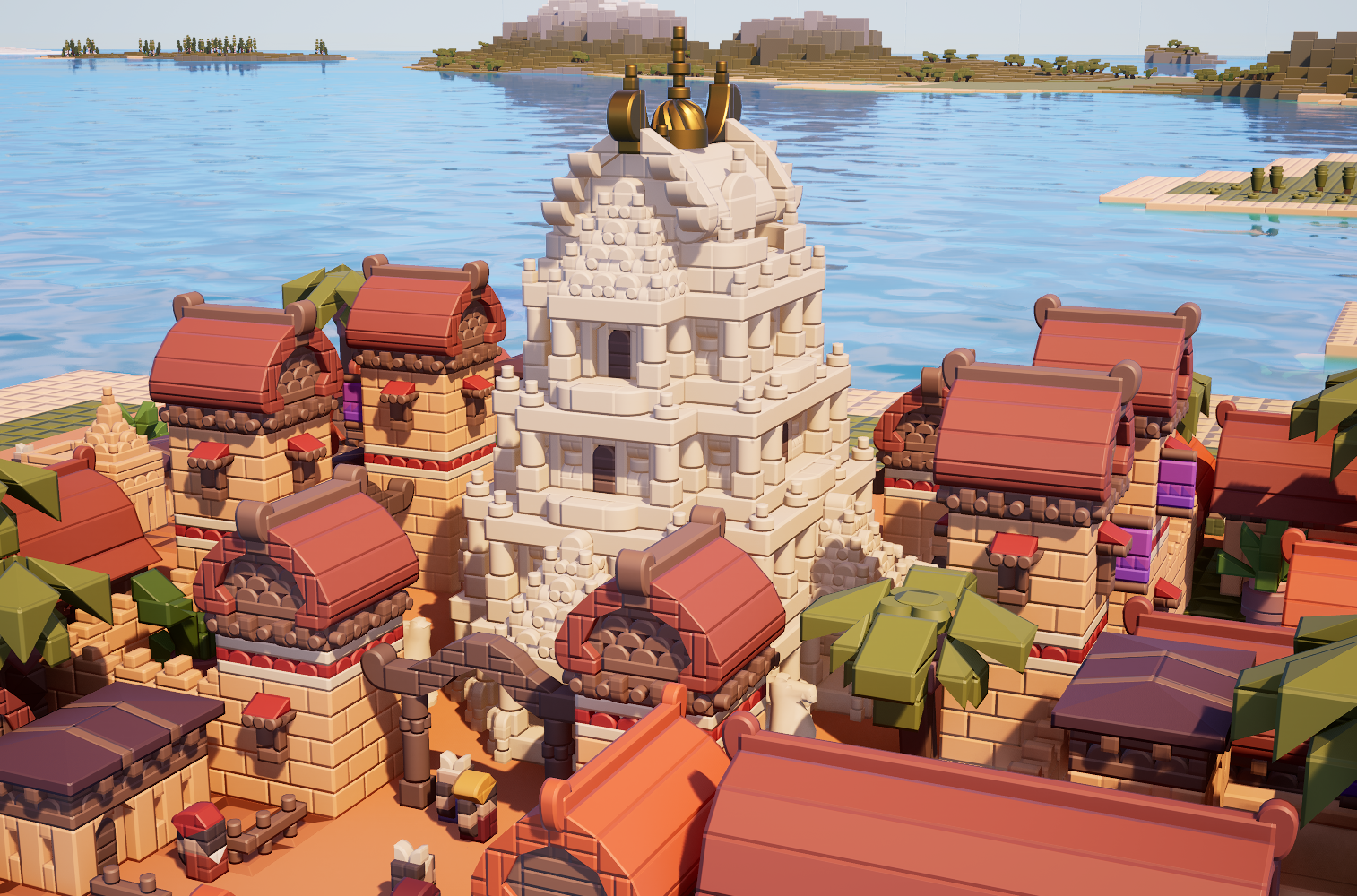
Credit: remanedur
Dude, I'm telling you, the SECOND this server lags, this whole thing is going to explode. Otherwise, an excellent use of logic and physics to create this display. Awesome font too!:
Credit: toval
"Hey guys, welcome to my Brickadia podcast". Nah, I'm just kidding. This would go crazy as a Youtube intro though for anything Brickadia related, really harkens back to the early 2000's LEGO video game logo sequence:
Credit: Erika
Now THIS is a building. Fits in perfectly with the other buildings around it too!:

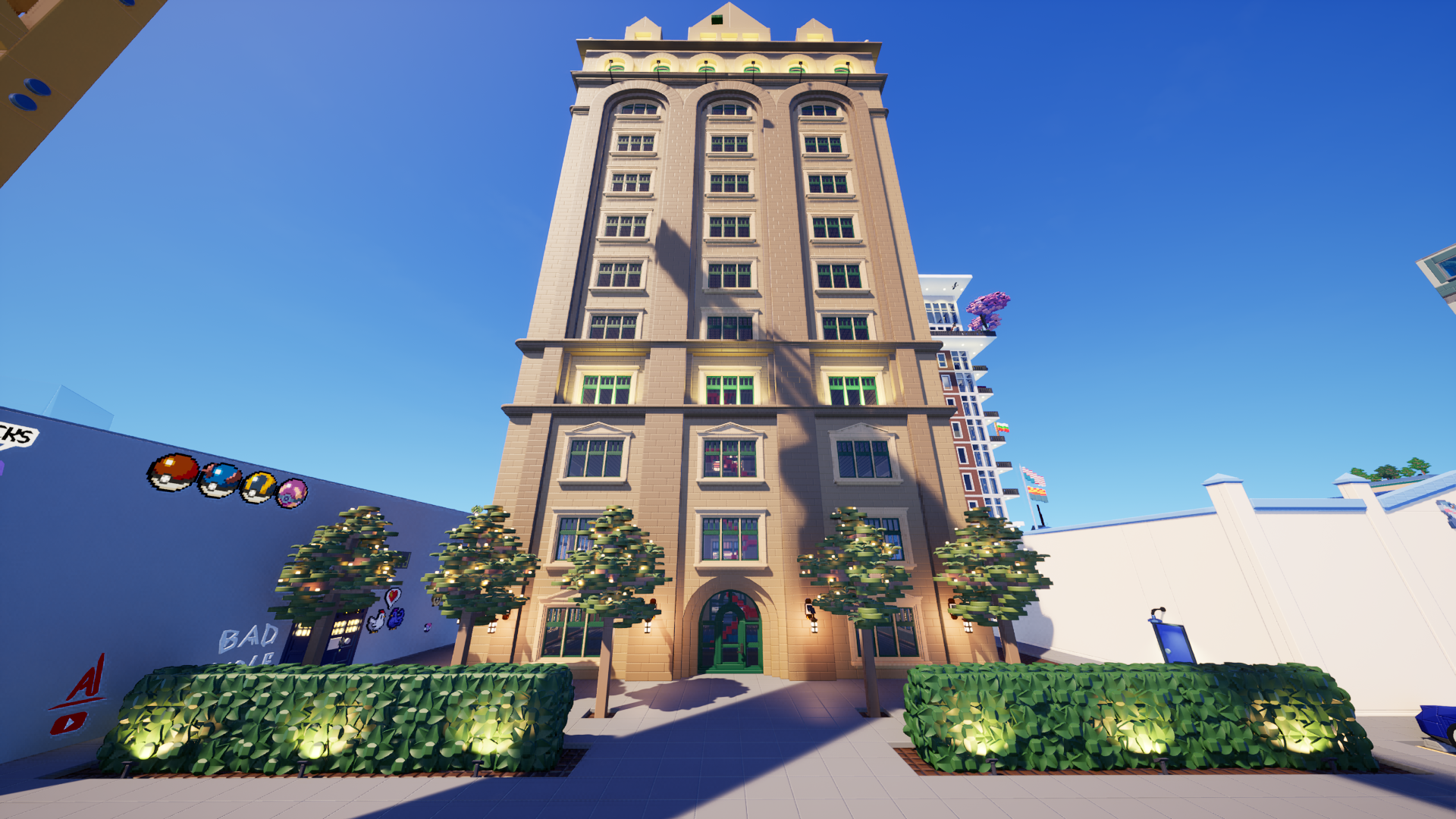
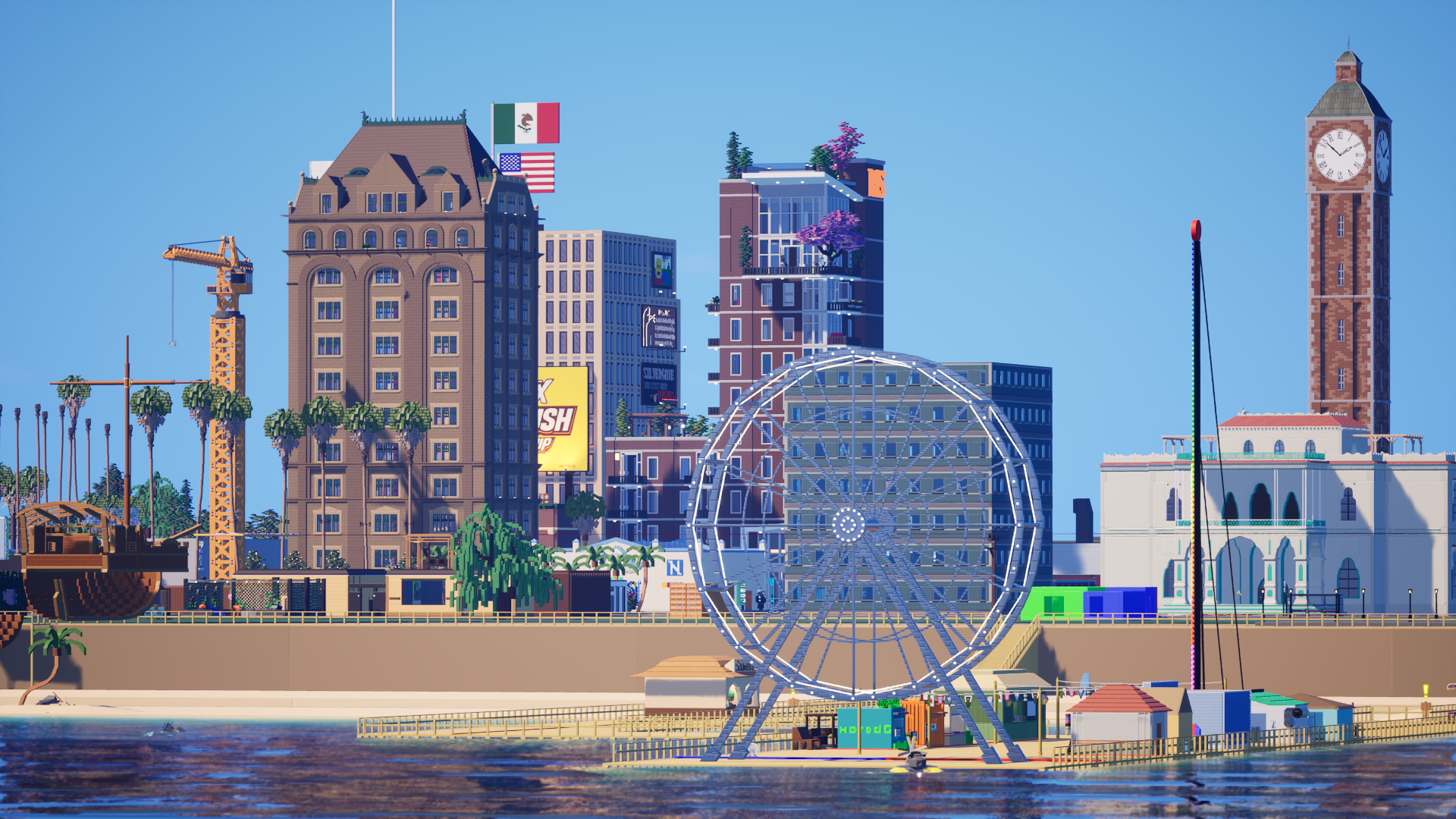
Credit: Brickitect
It seems like Planet Hoogle has turned into a Hot Jupiter planet:
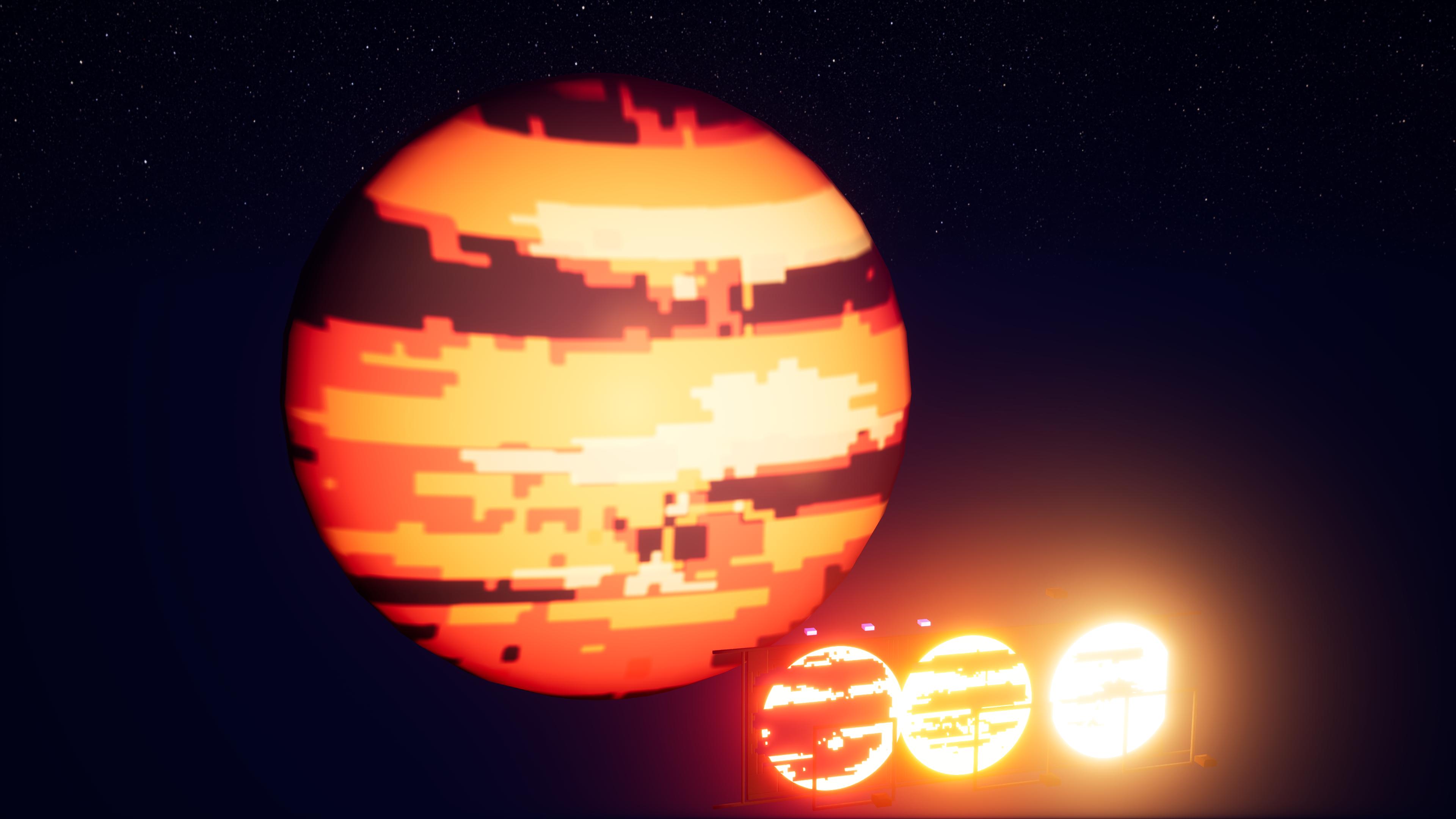
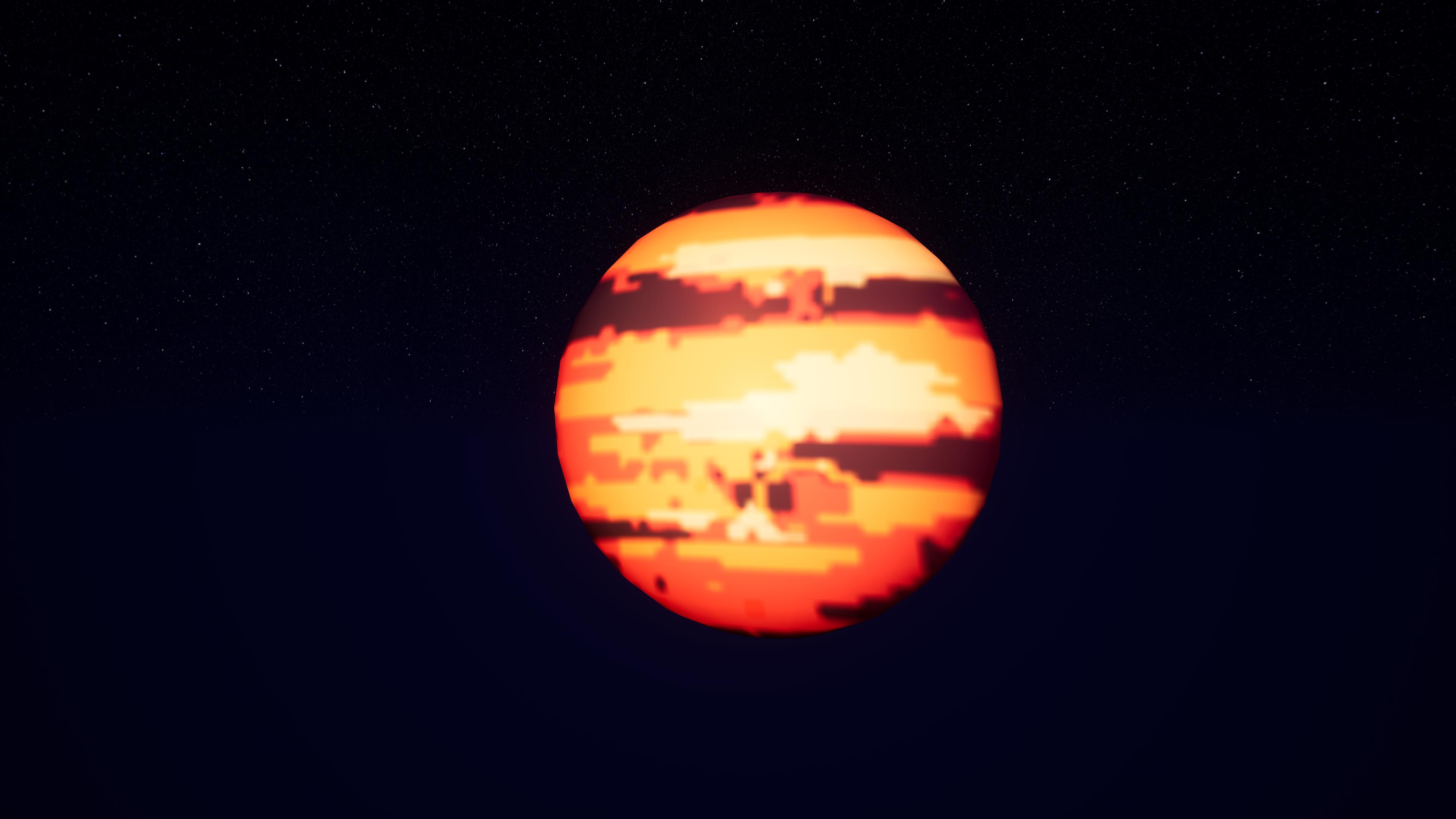
Credit: Hoogle
"We grow corn, and ONLY corn. Don't you DARE ask if we grow anything else!":
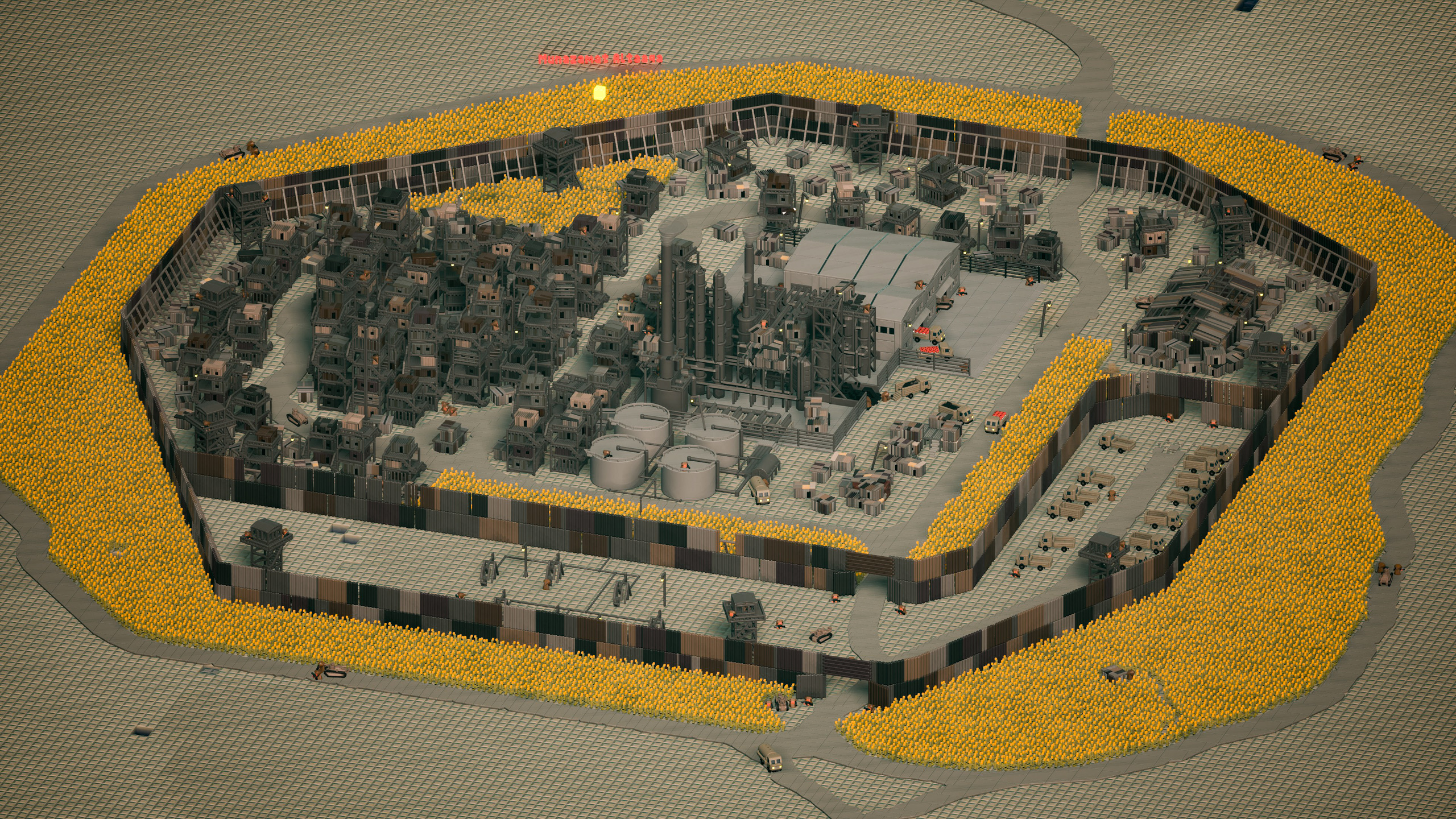
Credit: spicypepper999
Now this is a 'puter setup I can get behind. Just got to make sure the salt water doesn't find its way inside:


Credit: namje_.
Well, SOMEONE has to clean up these 5.6 million brick worlds!:

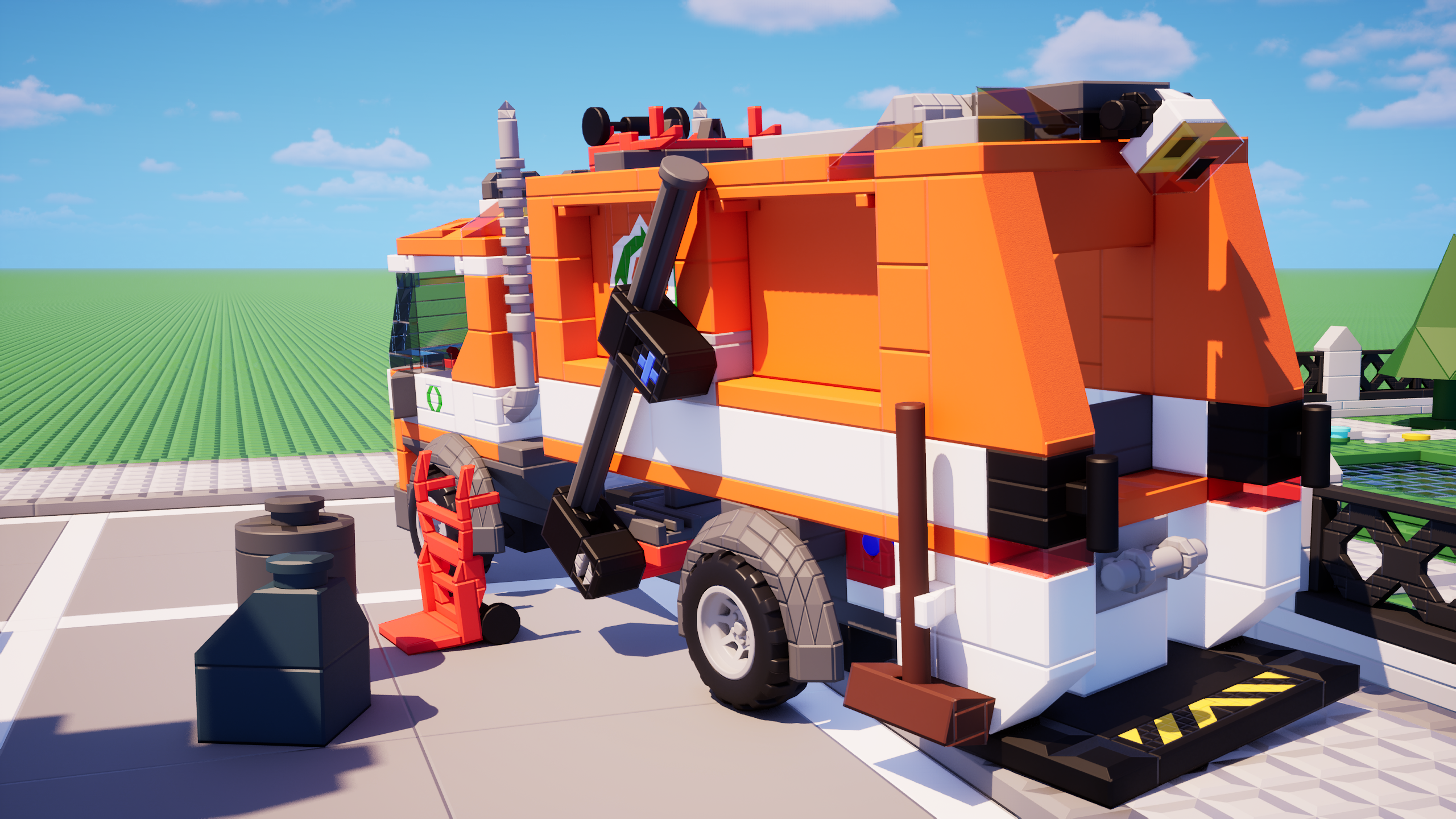
Credit: Abstath
You guys ready to do 500 pulls and not get the character you want?:


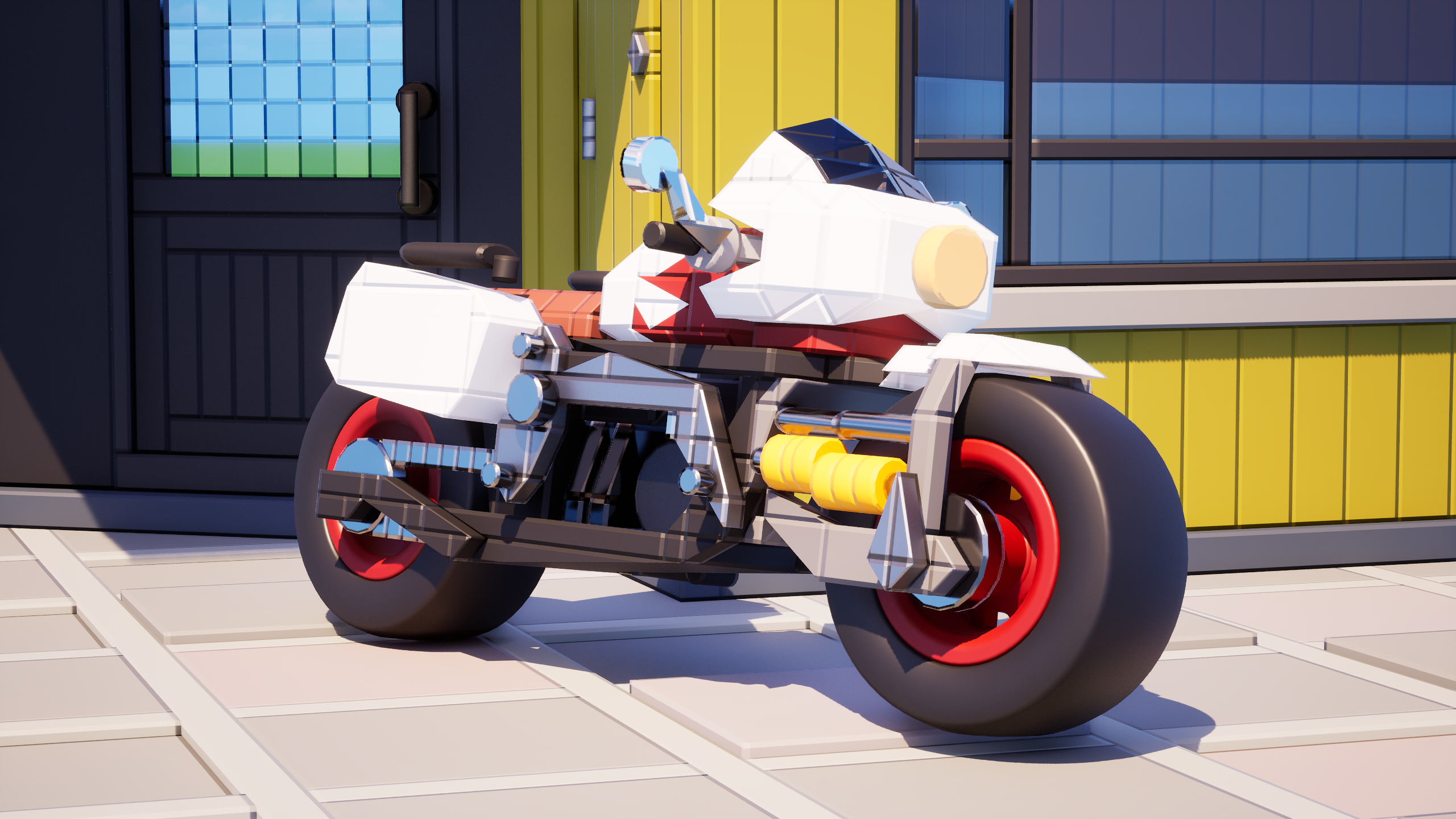
Credit: Burnice
Unfortunately, this one is uncredited as a result of a mistake I made. I made a new method for grabbing content for the blurb, but I accidentally named the file for this one "fnaf". If you happen to be the creator of this build, contact me so I can actually credit you. I searched through various channels 3 times already, and I can't take it anymore. Anyways, [insert FNAF joke here]:
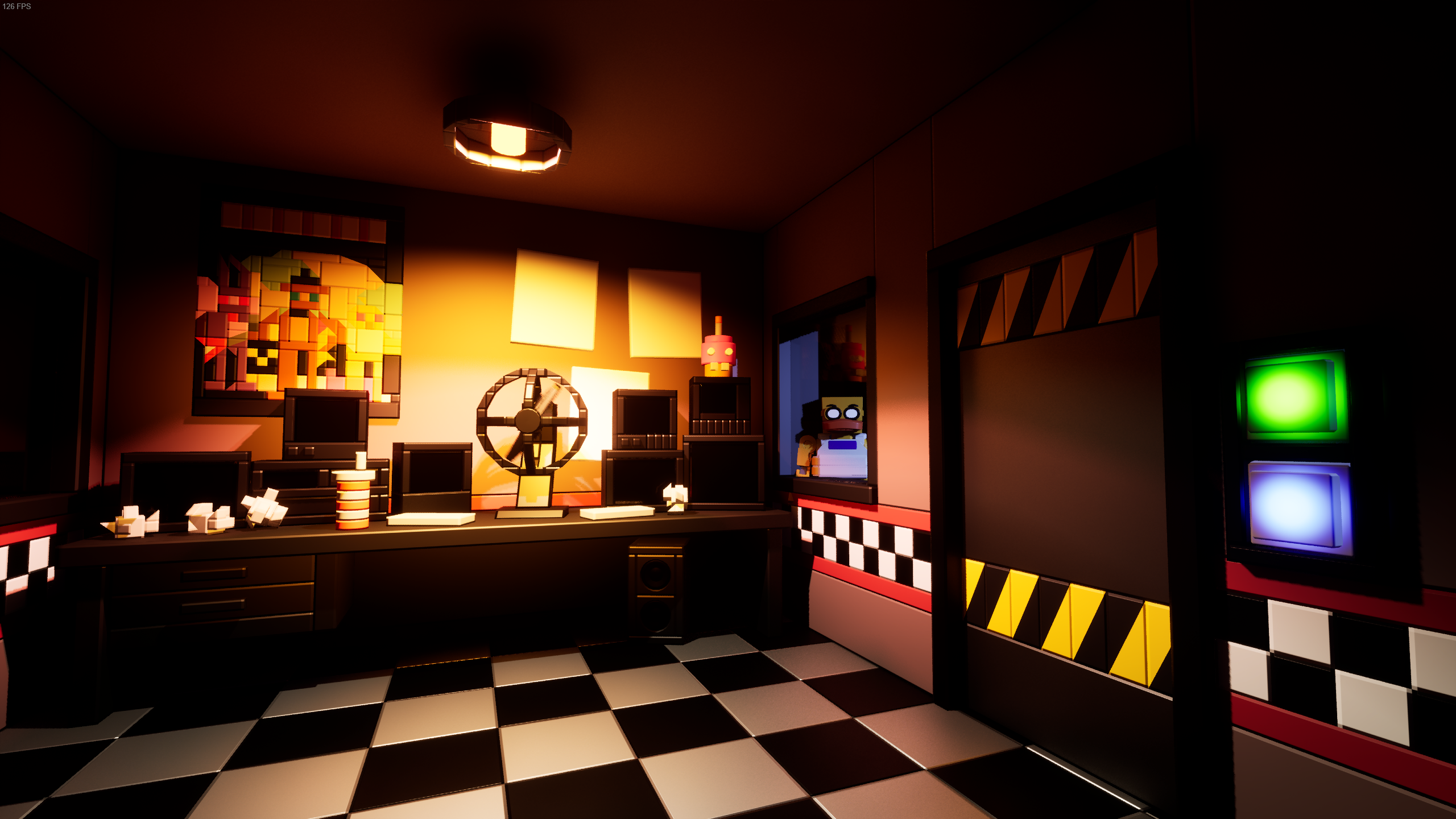
Credit: Burnice
This should go without saying, but Yume Nikki is actually one of my most favorite games of all time. I also say this acknowledging that it isn't really a game in the complete sense, and understanding that it'S basically a walking simulator. Amazing atmosphere, music, aesthetics, and use of pixel art to convey environments and ideas I couldn't come up with myself! I should also mention that if anyone ever makes a full-on 1:1 recreation of Yume Nikki's map in Brickadia, I will instantly, 100% feature it in a blurb post. Someone, please do it. PLEEEEAAAAAASSSEEE. Regardless, while the carpet in this recreation of Madotsuki's room is just a little microbrick spammy, everything else about the interior AND exterior of this build is fantastic. Now make MORE!:
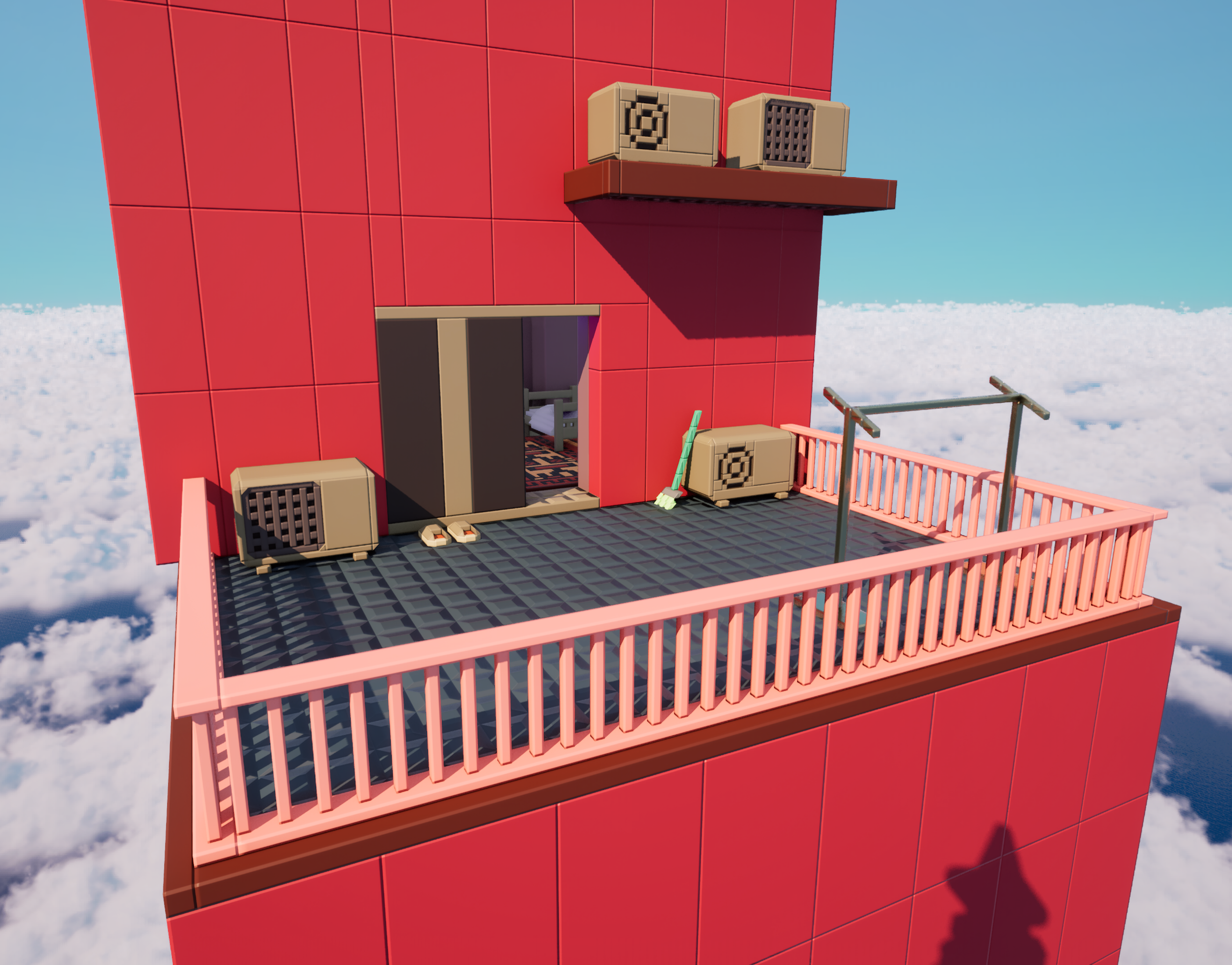
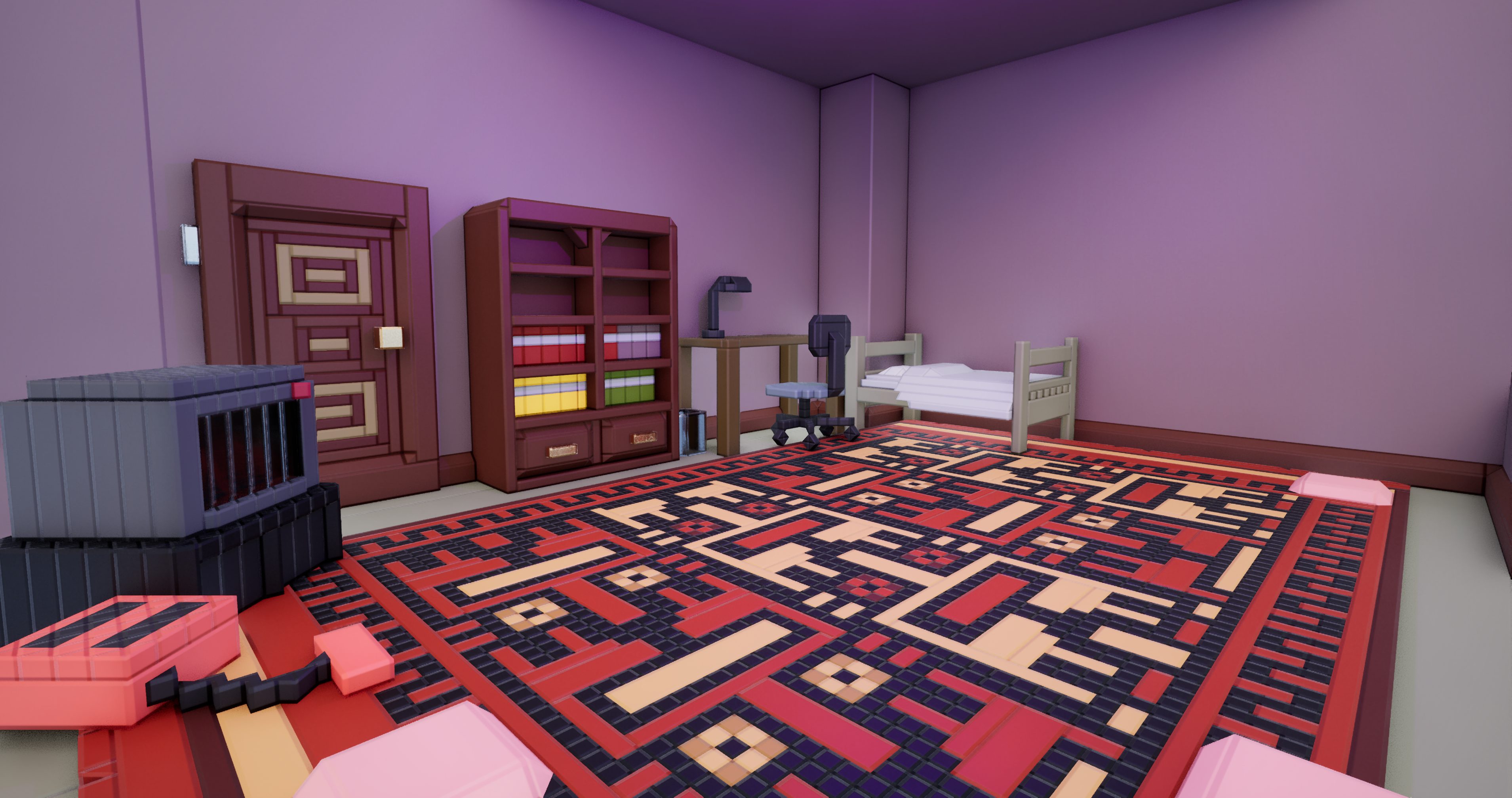
Credit: Cybo
Could you imagine if early LEGO games actually had builds that you can be inside of that were this gnarly and awesome? Still a work in progress, but MAN. This REALLY satisfies the walking-around-and-inside-a-LEGO-build craving:
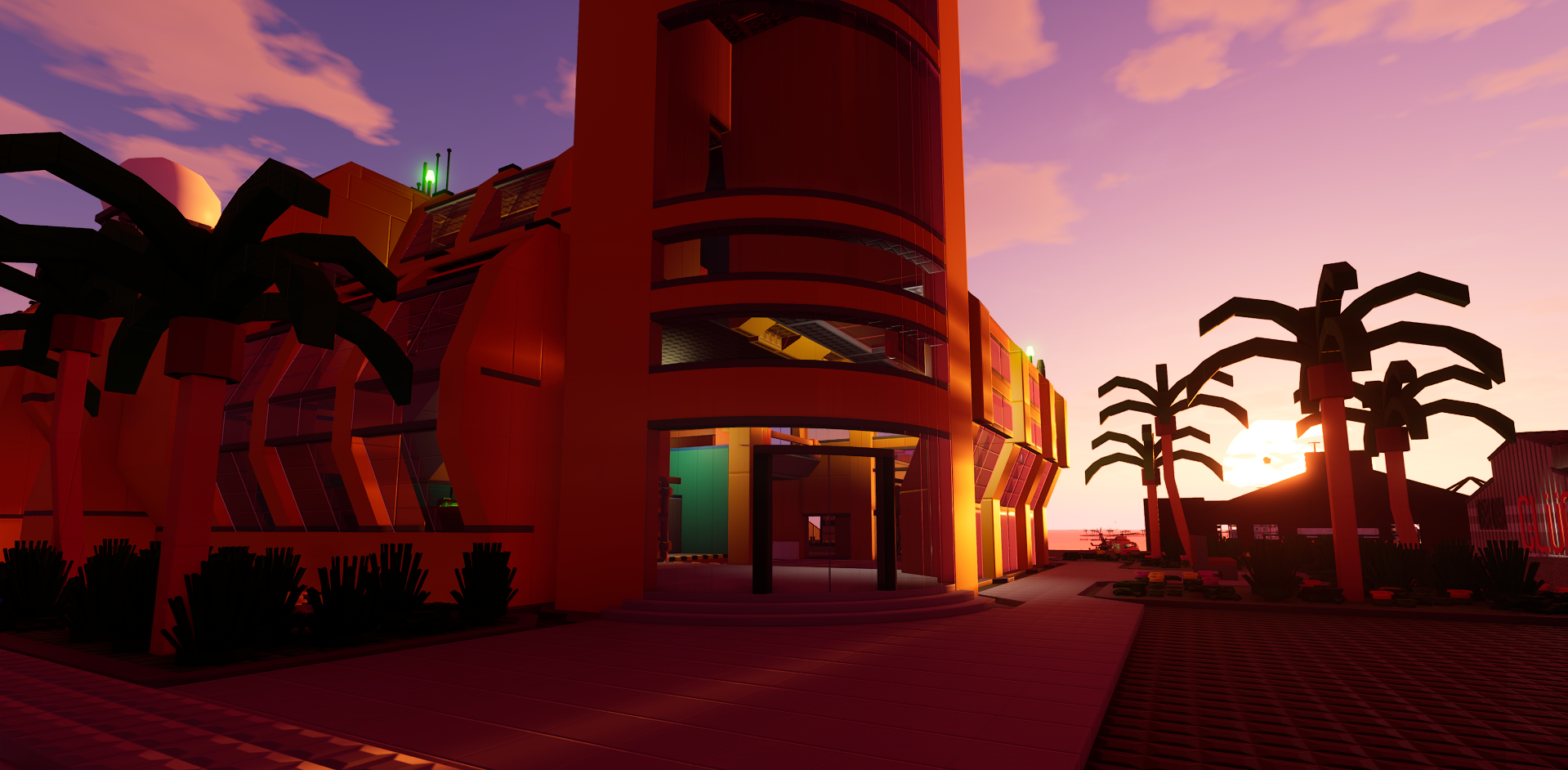
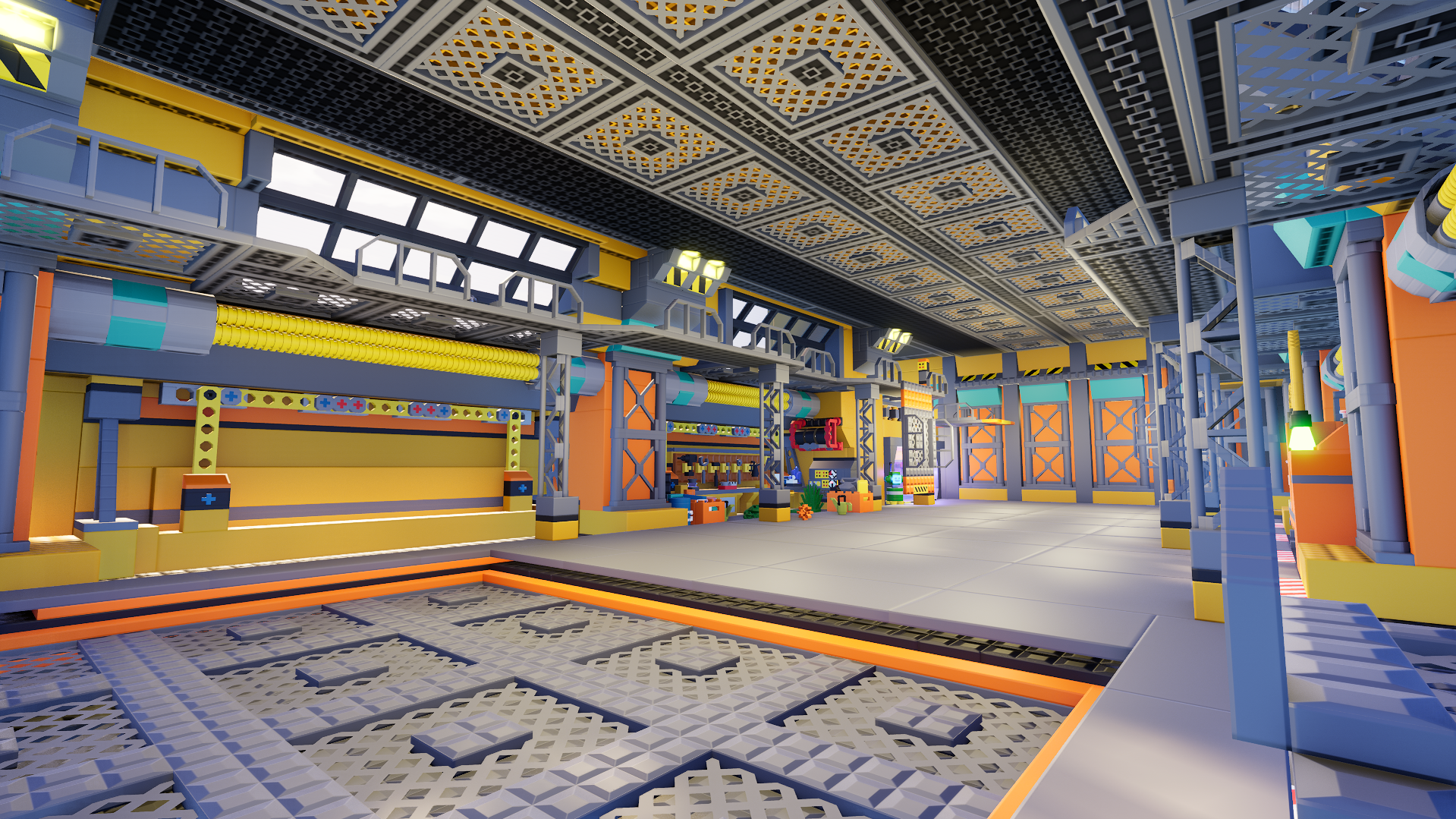
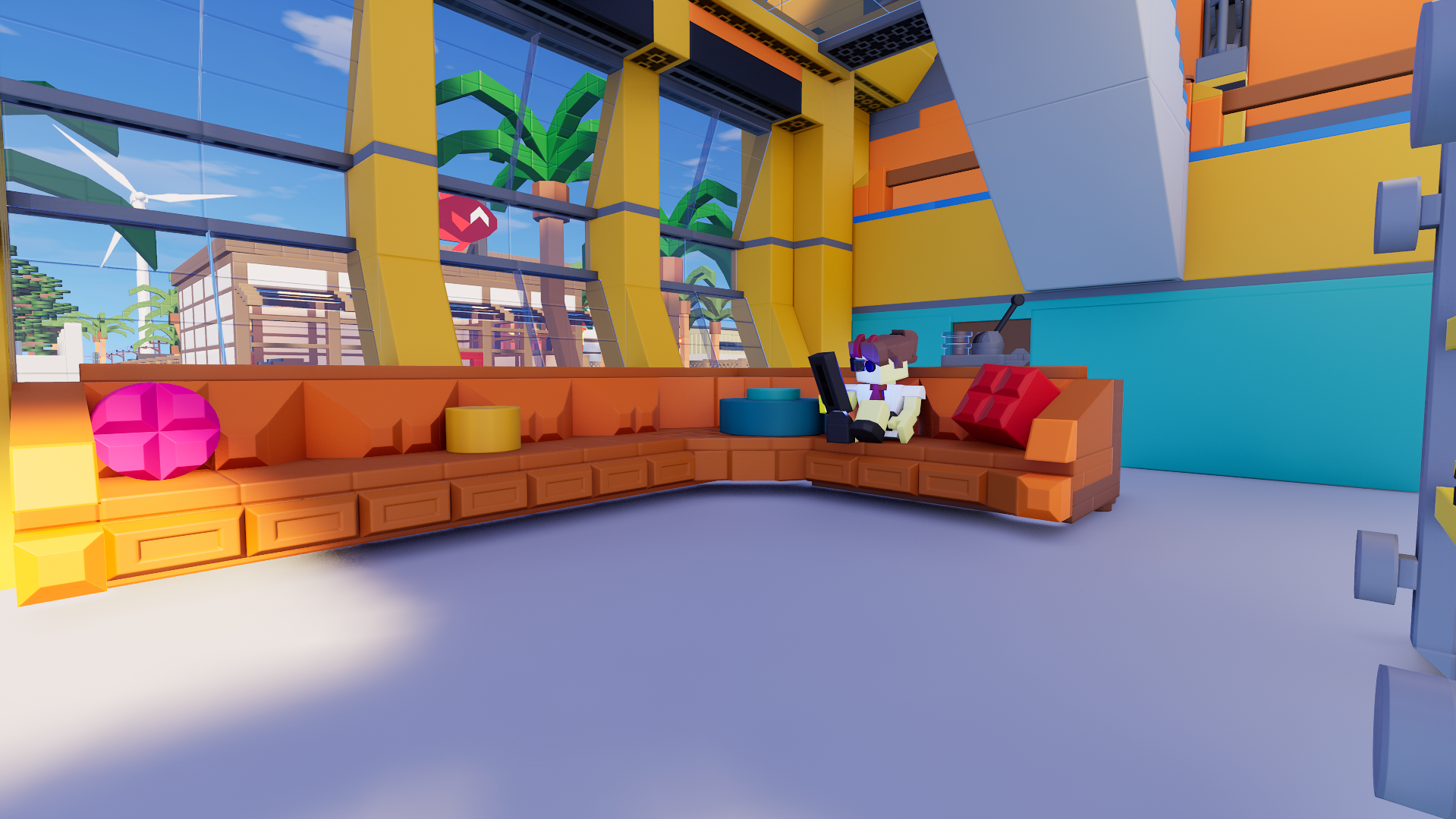
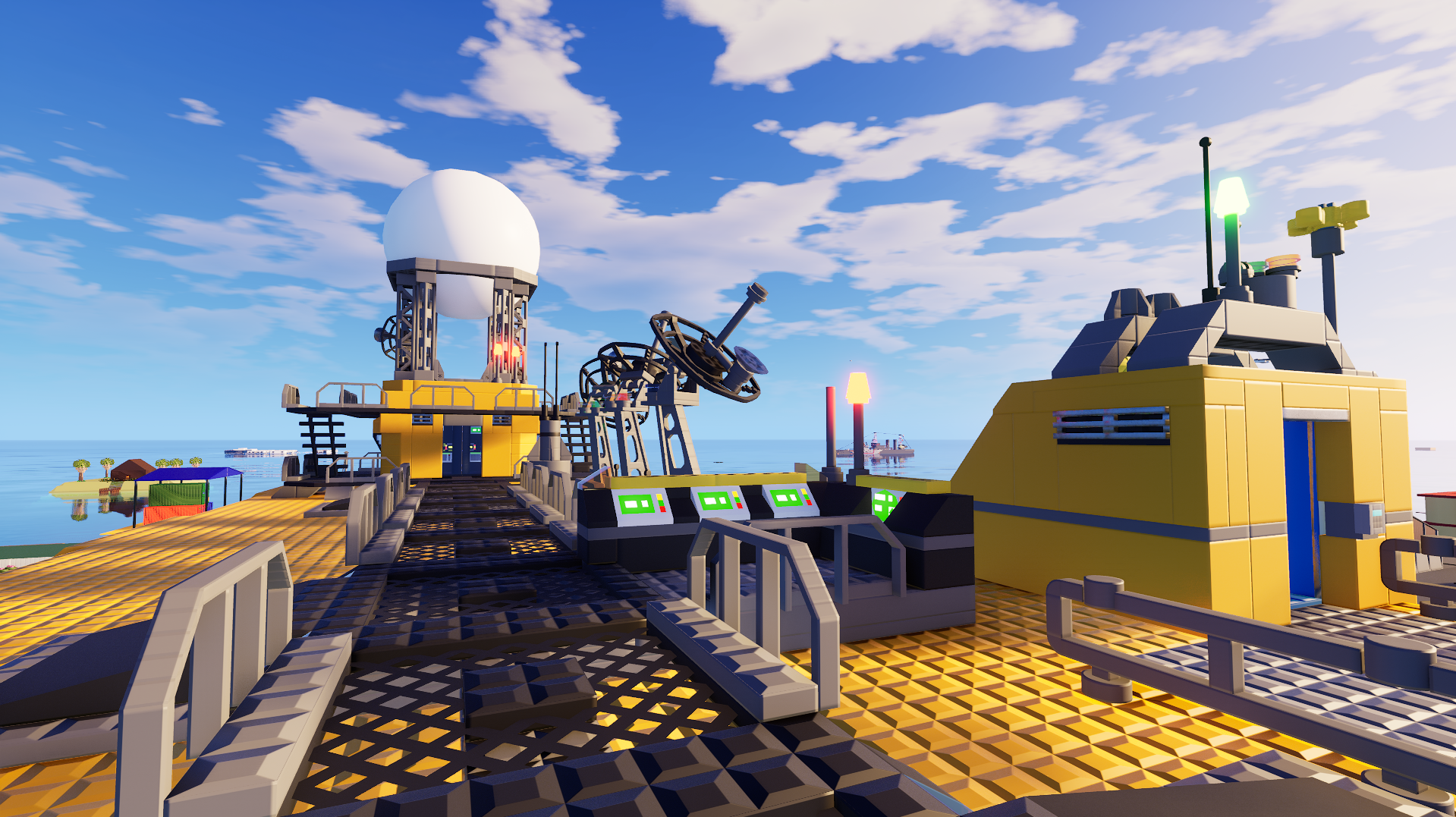
Credit: Thorn
Alright alright, I see you. Now all you gotta do is add some nudging and working bumpers. I will admit, I did get jumpscared by the spinning lights near the bottom flippers. Obviously I know it isn't a brick that's spinning down there, but I know of two pinball tables that have a spinning disc around that area that actually pushes the ball off course like crazy. It's such an evil design choice, but it definitely builds some nerve in you. Now find a way to add multiball!:
Credit: Macgyverthehero
Imagine loading into a server and seeing this as an introduction to the server each time you join:
Credit: soygrl
You think this is a lot of bricks? Just wait till this guy goes to war, then you'll see:
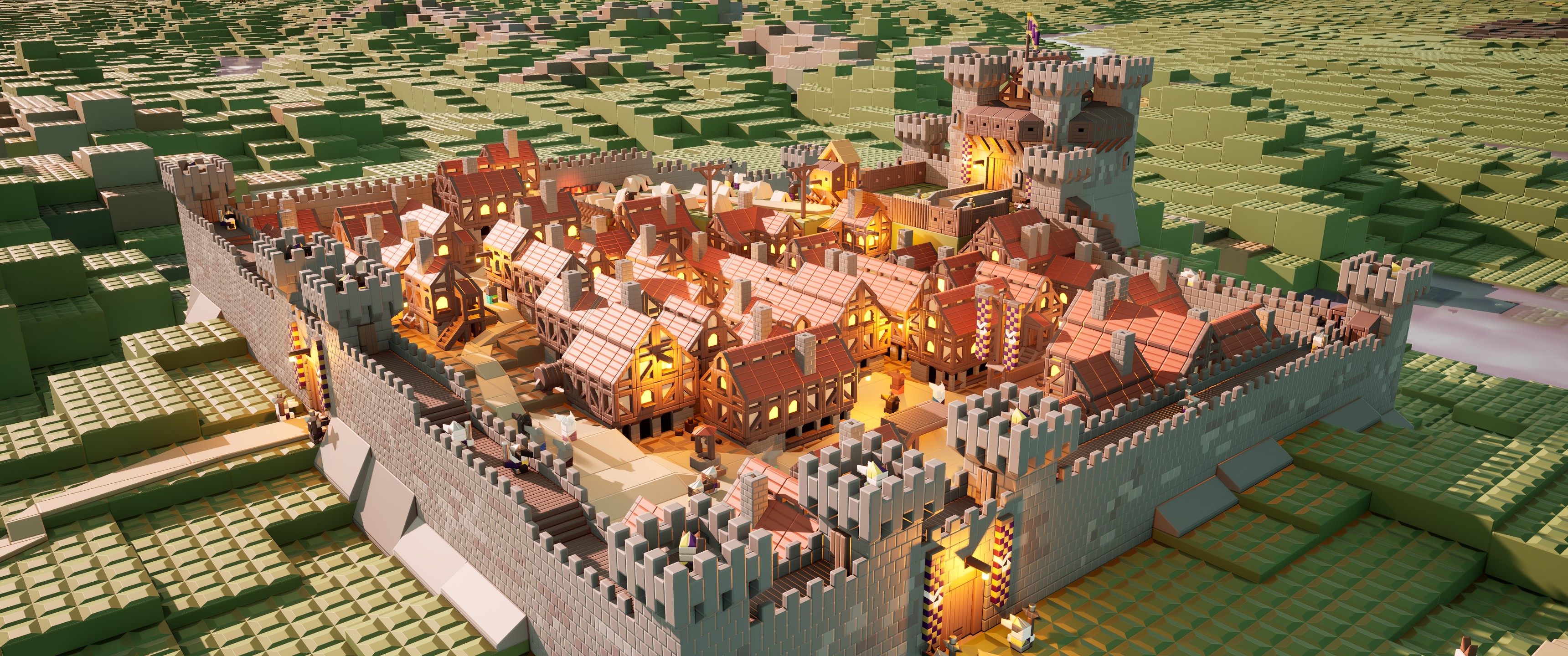
Credit: Ristyenok
The Titan attack last week was brutal. One of them had a Brickadia shirt on them, and another one was cosplaying Miku:
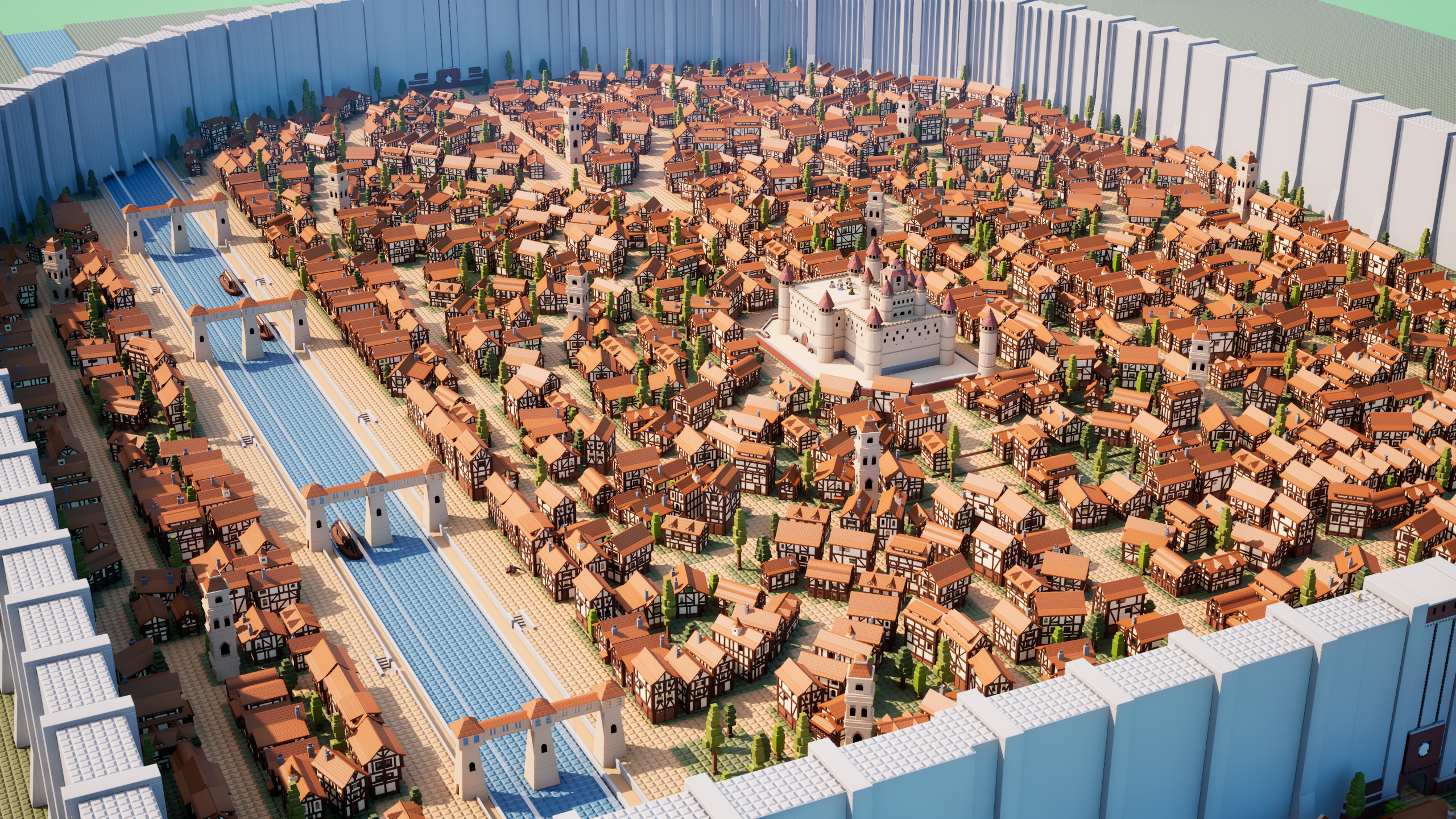
Credit: Liljitt
"Hey guys, welcome to my latest video. Today, we'll be dropping this molten hot ball on this giant microbrick city-":
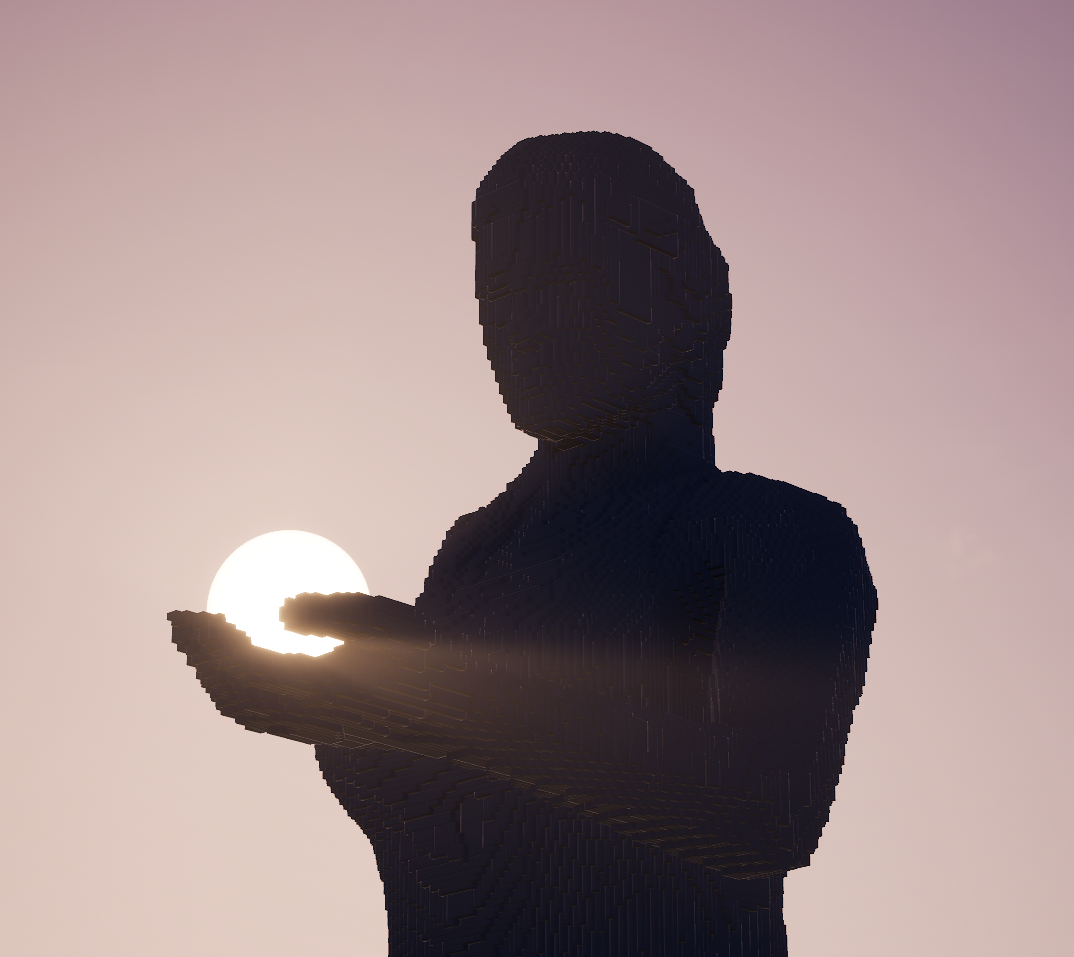
Credit: Enik
The more locomotives we get, the more impressive they look. And the fact that they can run in-game too is a feeling unmatched:
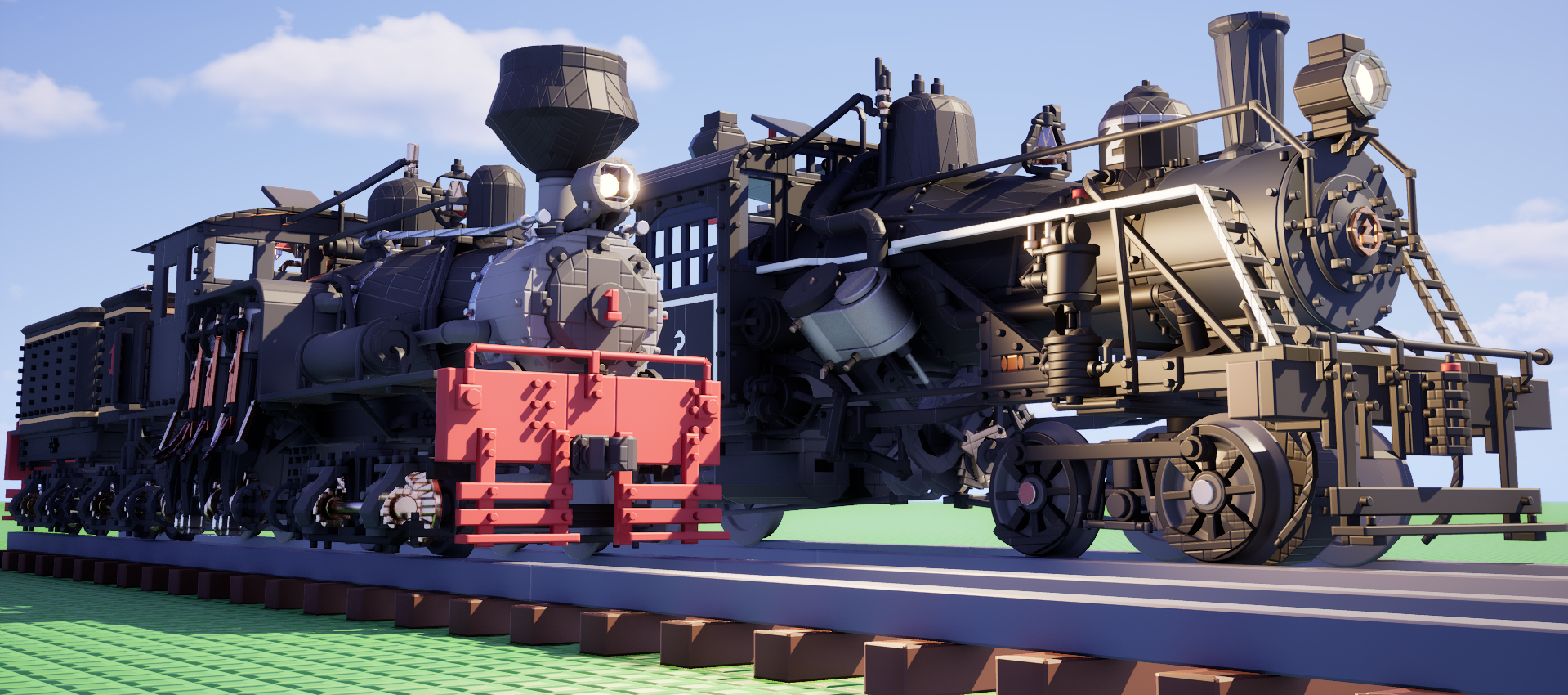
Credit: Plad
This is a build waiting for a small toddler destroy by shoving it off the coffee table. Great use of lighting:
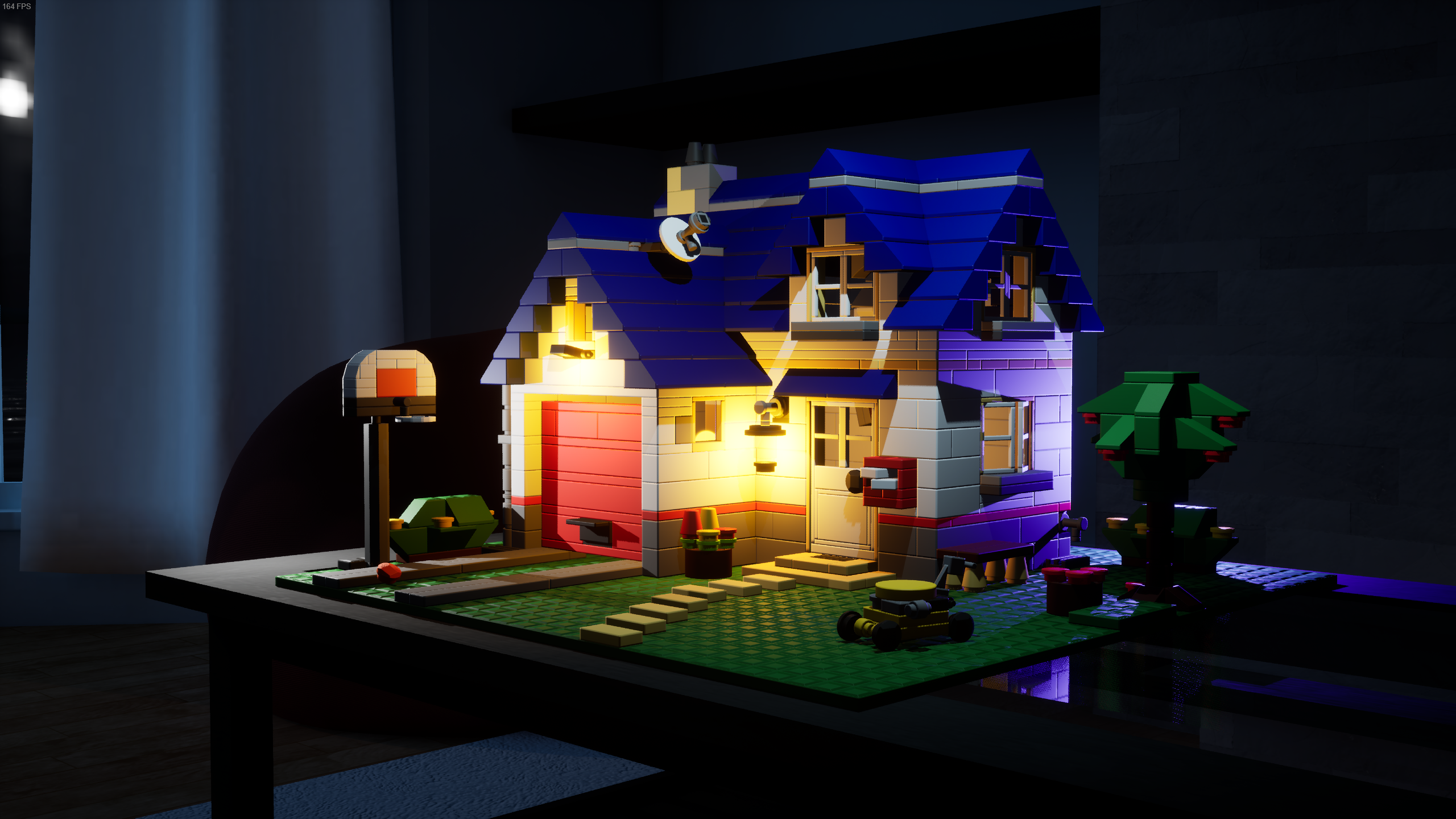
Credit: cable
Sorry Link, I can't give credit! Come back when you have Brickadia GOLD!:
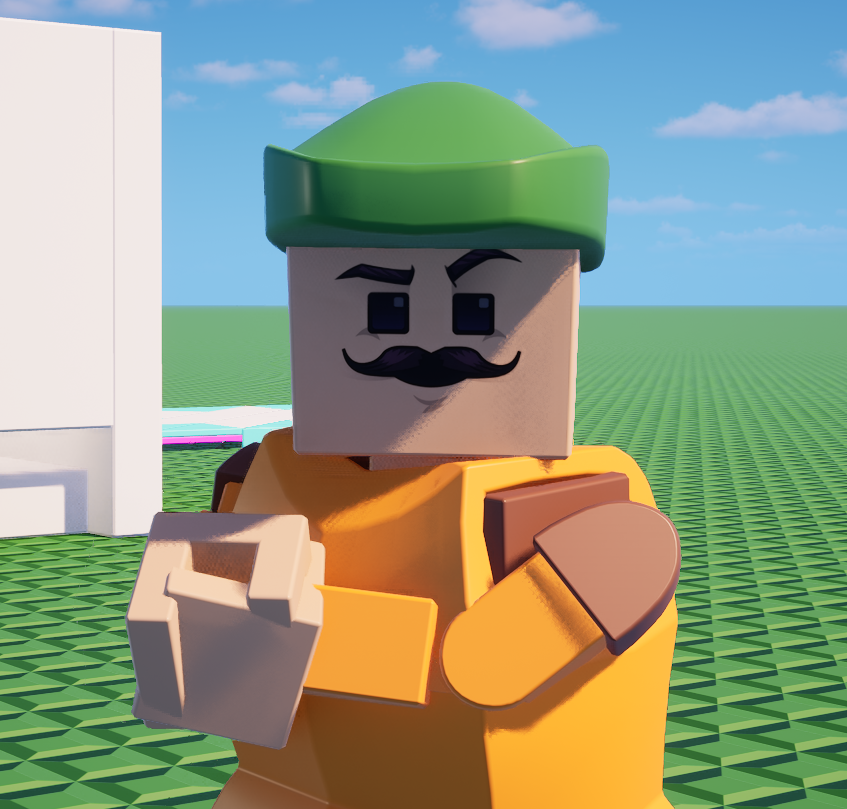
Credit: remanedur
Sooner or later, someone's going to try to make DOOM run on Brickadia. I can already feel it. Regardless, this is a crazy use of wires and logic!:
Credit: scrapSavage
Good thing modded faces are client-side. But then again, am I really having fun if I don't see someone with a face made on MSPaint? Cool face though!:
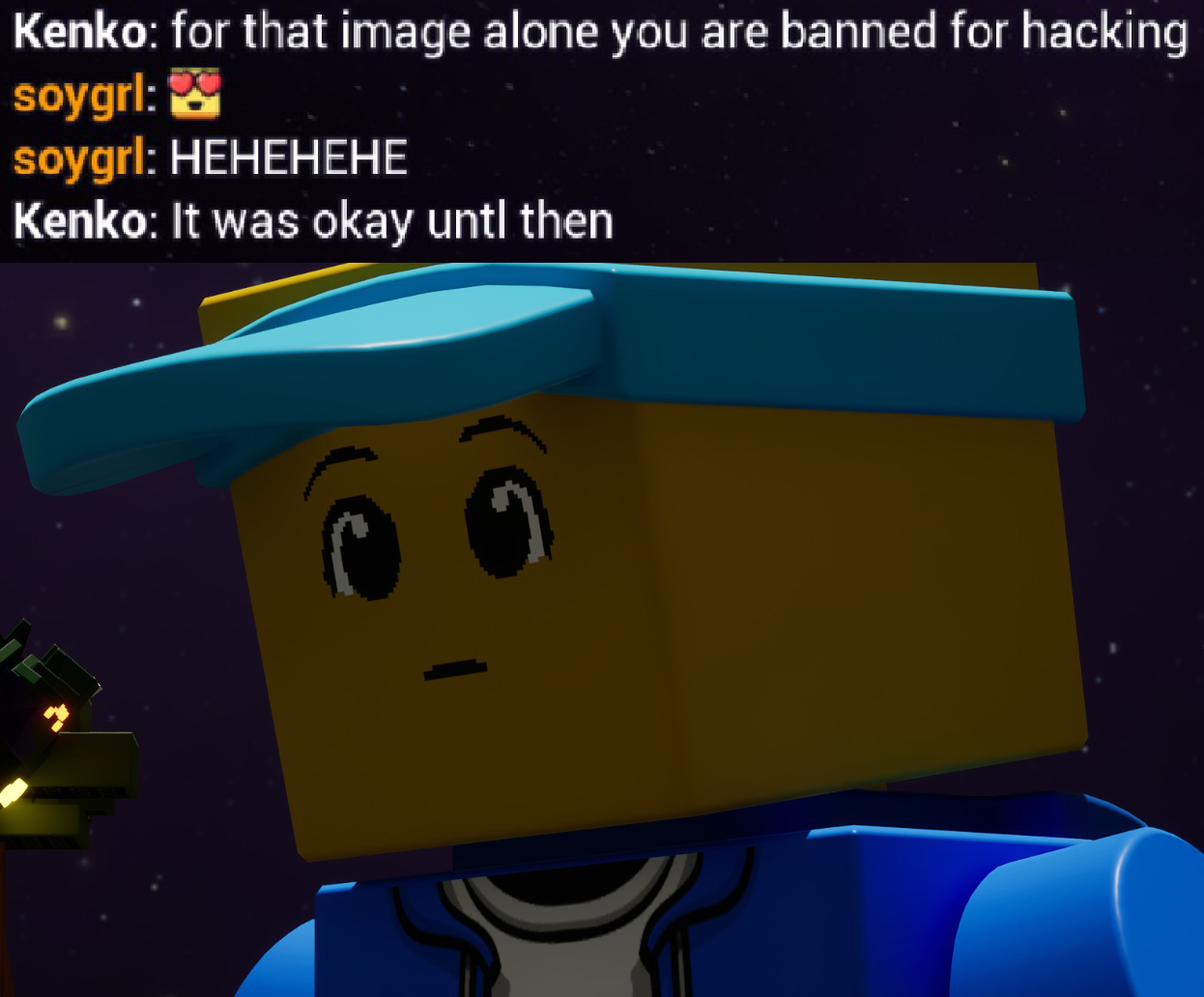
Credit: soygrl
To win this engagement, we're clearly going to need the Nuke piece:
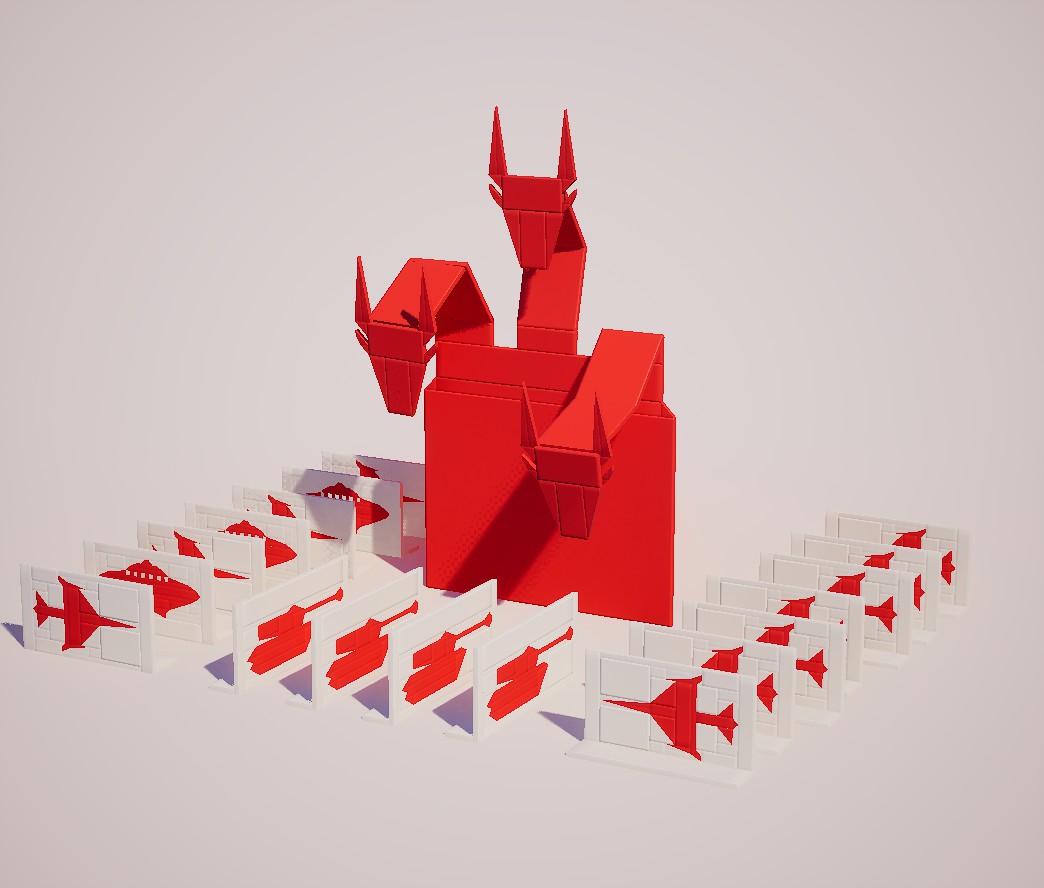
Credit: xbox live
This is what I look like when I'm not working on the blurb:
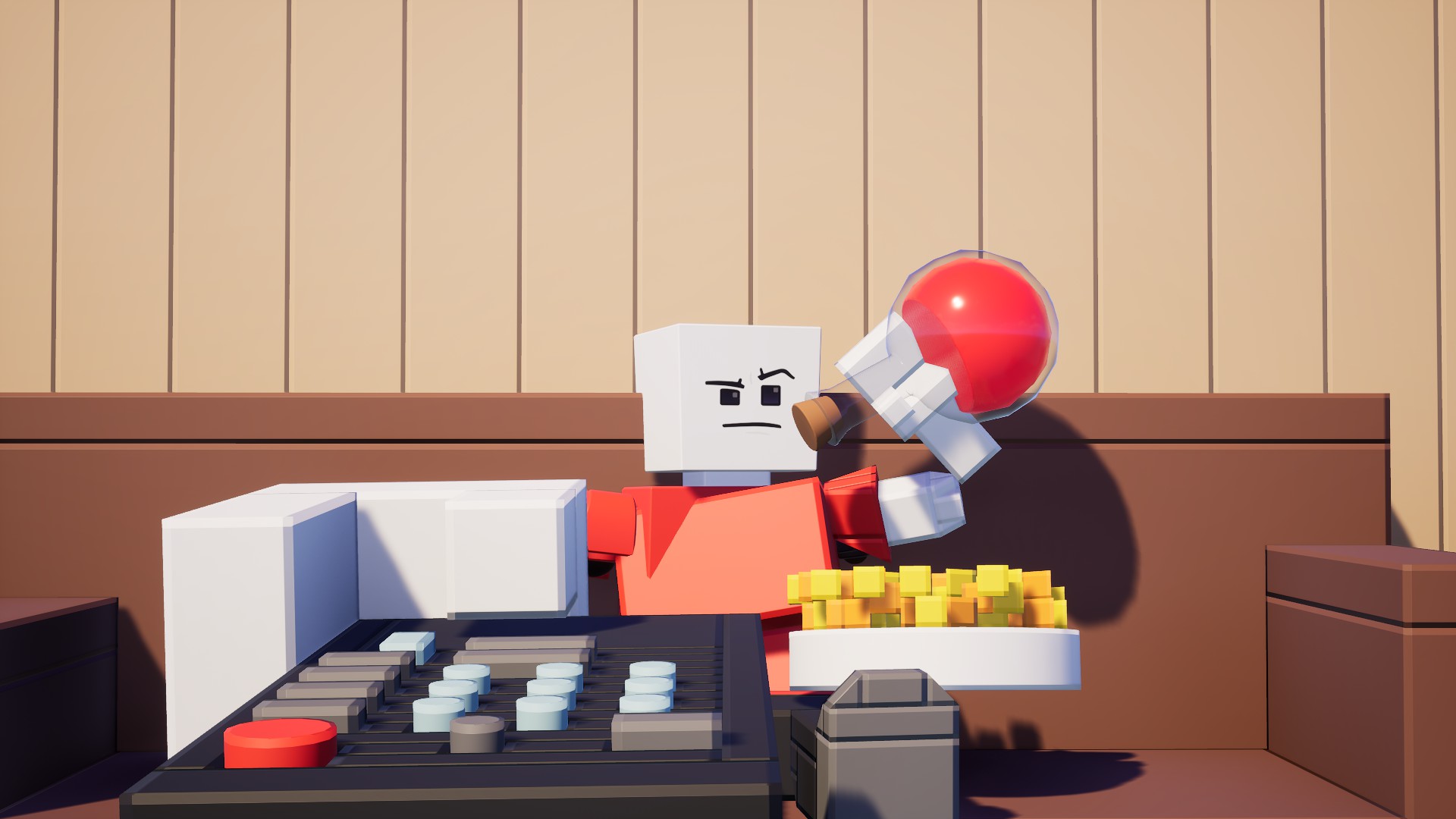
Credit: Thorn
With this kind of display, low-resolution image2brs builds got to look CRAZY:
Credit: xbox live
Golly gee, I can't wait to get my two-decade expired can of Pepsi from this machine! I love Star Wars!:
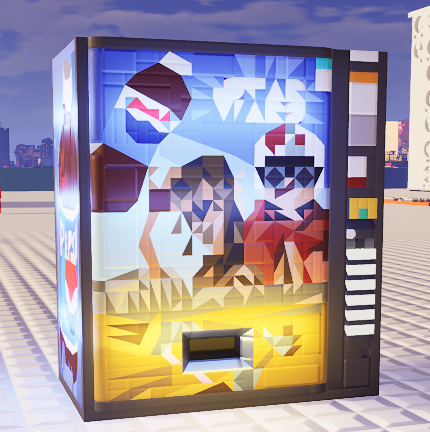
Credit: Thorn
I'm waiting for the day we get Brickadia Youtube Poops that look like they came from the mid-2000s:
Credit: TonicThunder
This little guy was spared from the 500 million brick extinction event:
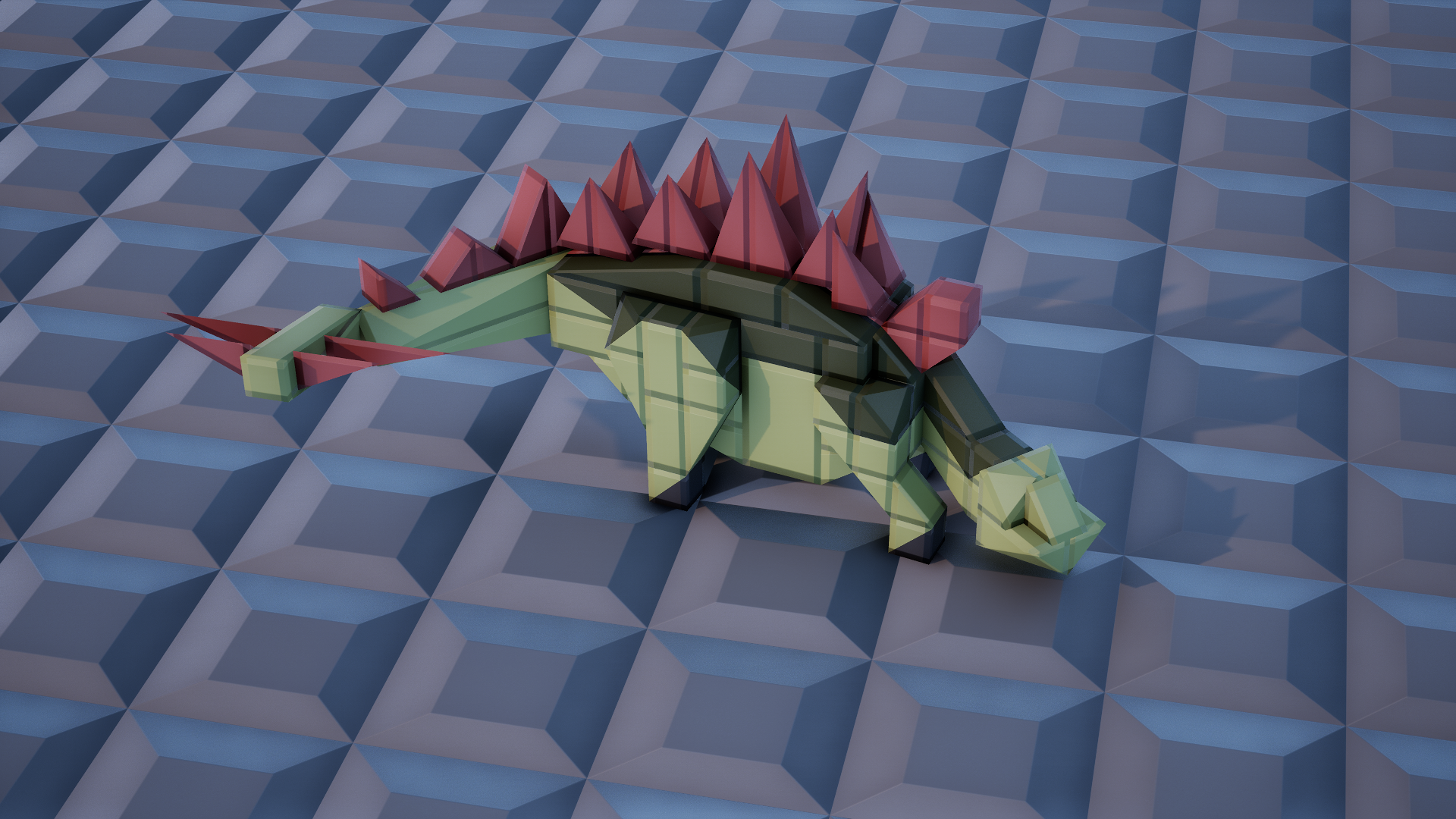
Credit: Liljitt
While pictures aren't out yet, this is a picture I managed to snag from that one racing event I mentioned in the last blurb post that involved racing. Very cool to watch!:
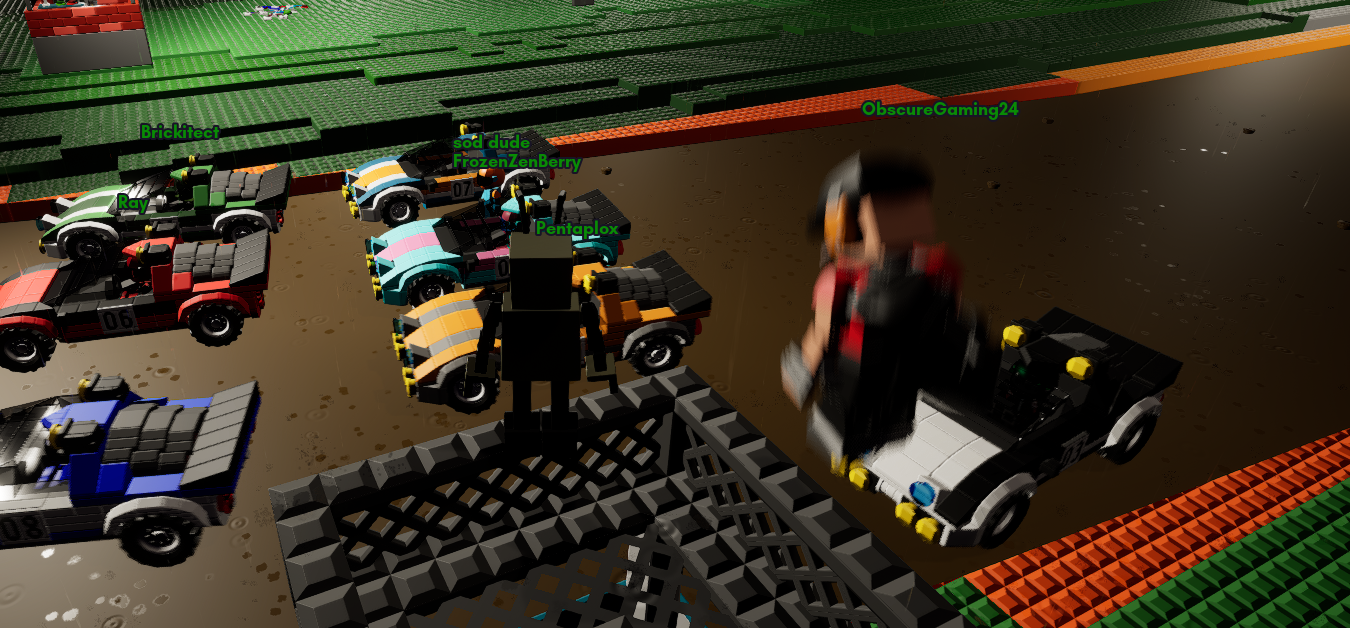
Credit: Sulfito
Now we arrive at this blurb's user column!
The question for this blurb is:
If you had to run the social medias for Brickadia, what kind of content would you release or make to promote the game?
"I'd show really good community builds as well as new and upcoming features."
"Personally, I'd do world/gamemode showcases, I think it's fitting to show what the community make or build in this game especially once we get more gameplay gates or other configurable stuff later down the line. Kinda like staff-picks, except you're showing the outer gaming community of the things Brickadia is capable of."
"With the early stage of the game, I'd focus on making short, snappy videos focused on either intriguing people with features, or getting a laugh out of them with something funny. I think the indie nature of Brickadia allows for a lot of down-to-earth and self-aware marketing tactics, as opposed to a clean corporate promotional style. Meme-focused content would do wonders for this game."
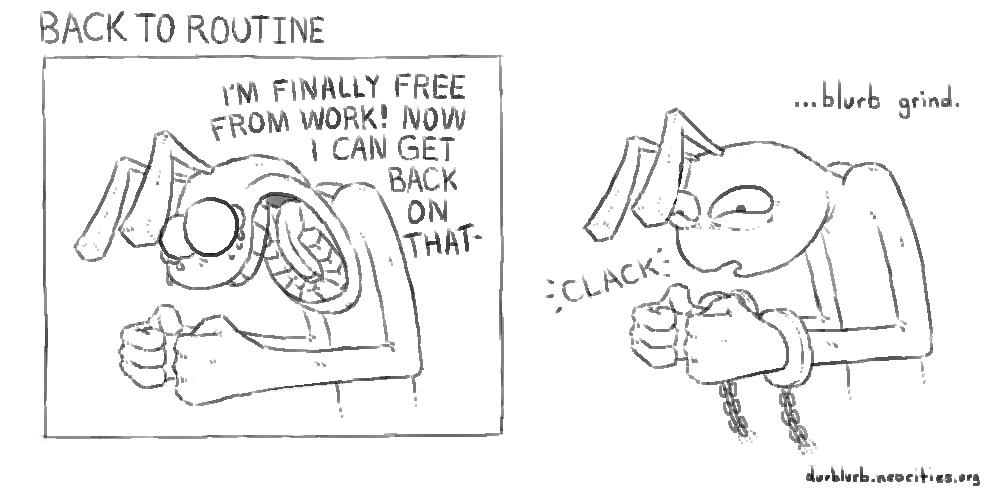
And now for the blurb comic panel!:

Did someone say speculation content?
As of late, we've been seeing content regarding the resizer tool:
Credit: Sixmorphugus
Not only that, it seems we're getting glimpses at new items of the throwable variety:
Credit: moo
Credit: moo
Pretty cool! Time to put on our blurb-branded thinking caps and analyze and think:
For starters, let's check out the resizer.
The major note of change is that we can now move a selection of bricks with the resizer tool! It seems all you have to do is make the selection with the Selector tool, and then switch to the Resizer tool to move the selection around. Seems simple enough.
However, when we take into consideration this other Resizer tool video:
Credit: Sixmorphugus
We can see that there is a hint when we're in the moving mode!
On the bottom left, we can see a CTRL bind for "Scale" when we're in the moving mode. Interestingly enough, when the resizing mode is on, we can see the same bind for "Move". However, the difference is that for moving bricks, we hold the CTRL button, and then we release it to go back to resizing. This means that in order to move a selection of bricks, it is a step that involves holding a bind to do so. I can already imagine how convenient this might feel while resizing bricks. There are SOME things to consider, though:
For one, given that we can now switch between two modes with the Resizer tool, how does the tool behave when it switches back to resizing while there are multiple selections? Will all bricks be resizable from that selection? What I would assume is that couldn't be the case, given that each brick could have different axis of directions. In other words, even though two bricks might appear to face the same direction, one of them may have been rotated like crazy to face a different direction before being placed, meaning that if you wanted to resize two bricks at the same time, it could result in them extruding into different directions. With that in mind, I would guess that if you had a selection of multiple bricks and wanted to go back to resizing, it could very well be likely that the selection just resets onto one brick once the switch is made.
The ability for the Resizer tool to resize multiple bricks is an interesting one though. While resizing bricks in themselves isn't exactly a difficult task, resizing multiple bricks individually can definitely be time consuming. Of course, there are ways around this, like copying a resized brick and placing multiple copies of it. However, in more complex builds and structures, that sort of solution becomes a little less reliable. What would be cool is if we could have individually separate brick selections that, when switched to the Resizer tool, can be resized all at once! Of course, we run into the same problem before involving what directions bricks are facing and so on, but I would guess that a solution to get around THAT would be to only take into account the side the visual resizing handle is pulling on.
Another bit of thought is moving bricks themselves. When copying a selection and pasting a selection, just before placing the brick, we can use our mouse to point where we want it to be placed. Given that the Resizer tool is being provided the means to move bricks, could we see this same functionality applied for moving bricks with this mode as well? Think about it:
You have a selection of bricks you got to move from point A to point B. Of course, you could just hold the handle of the move UI and just bring it there, but that might feel a little clunky. Why not hold down the left mouse button while you have the selection and you're in the move mode, and drag it over to wherever you need it to be? Then, once you have the selection roughly where you want it, you can just make the minor corrections using the drag handles in the moving mode? Just some food for thought.
Alright alright, enough of that resizing nonsense, let's talk about the cool stuff now. FLARES? SMOKE GRENADES?
Now that's rad.
As seen in the first video, we can see that the smoke grenade is capable of having its clouds go beyond collidable walls. Pretty standard in terms of how smoke grenades tend to be treated. While we don't exactly see what it looks like when the player is in the vicinity of the smoke cloud, it would be interesting to see whether or not the player just sees the smoke textures, or if the player is given a thinly-veiled visual block in addition to being in the clouds. I guess we'll never knooooow! Well, we probably will sooner or later.
However, given that this is a utility grenade, could we see something like a flash grenade make it into Brickadia? (I promise I won't spam them). Or what about stun grenades? I like the idea of the player entering a ragdoll state momentarily before getting up, though I imagine possible player physics explosions are less than ideal for that.
The flare is an INTERESTING choice as an item, for sure. It fulfills the role of not only lighting up an area as a way to describe elevation, but also helps as a location marker! With that in mind, could we see something like a flare gun make it into the game? What about glowsticks? I got to describe visually where I am at the disco with some glowsticks, after all! What about tripflares? If done right, I think it'd be a great way to tell where someone is on a map if they accidentally set a player-set trap off.
It seems that with these two items being shown to us as development media, we've tapped a little into pyrotechnics just ever so slightly in this column. So, to add fuel to the flame, when are we getting fireworks? We do already have rockets in the form of explosives, so I imagine making fireworks isn't the worst thing to figure out. After all, it is just an explosion in the sky, except it's pretty!
Okay, we've dipped too hard into the fantasy sauce, so that just about wraps it up for this column. In the next blurb, we'll be going into microchips! Don't worry, I'm not going to pull a complicated circuit construction jumpscare on you.
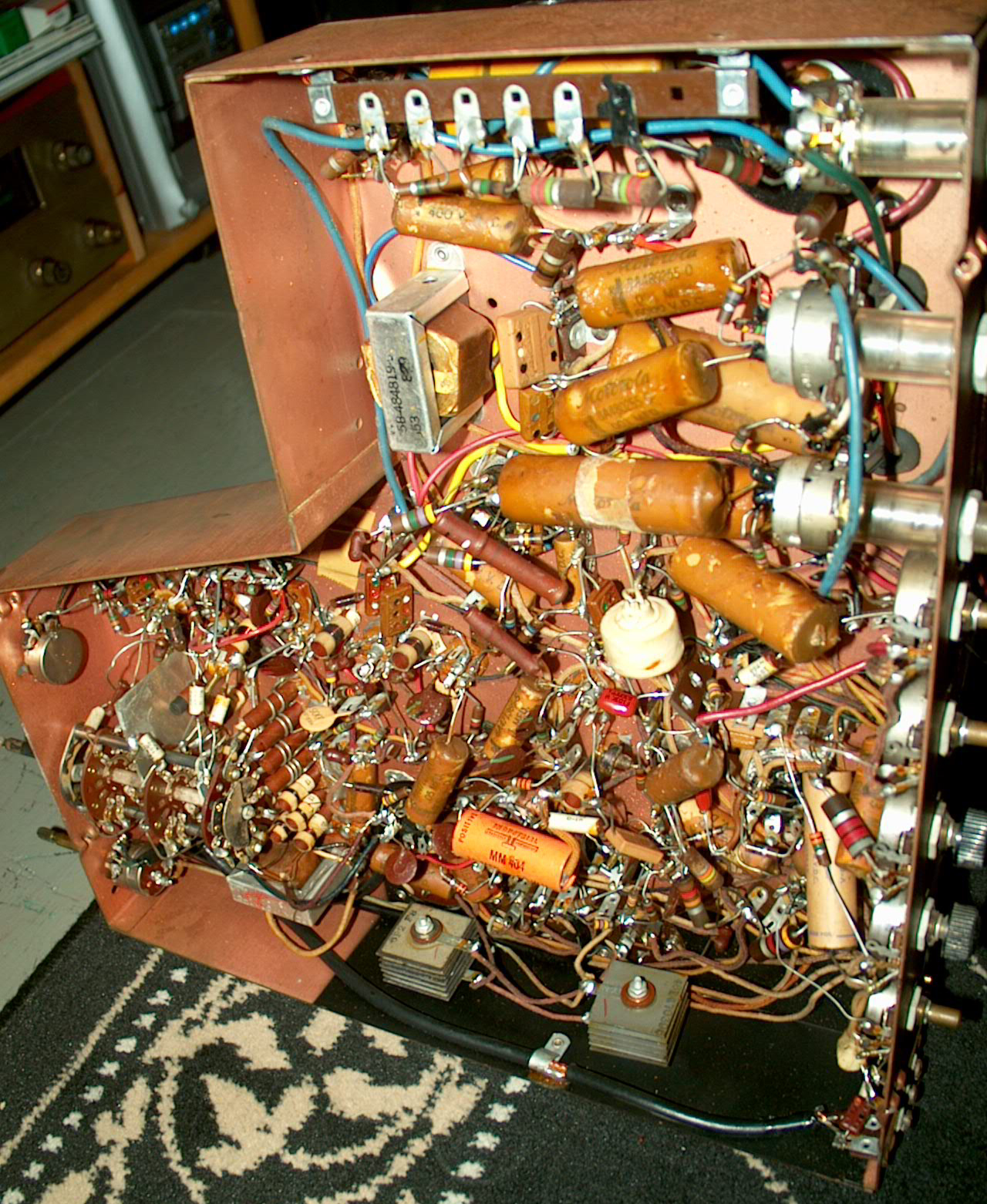
Credit: Westernelectric555
SIKE
Stay tuned.
And that's all for this blurb!
If you want to see your creations, ideas, and speculations highlighted on the blurb, contact me at: durb#3215
You can also support me on my Patreon using this link here: Durb Blurb Patreon (www.patreon.com/durblurb)